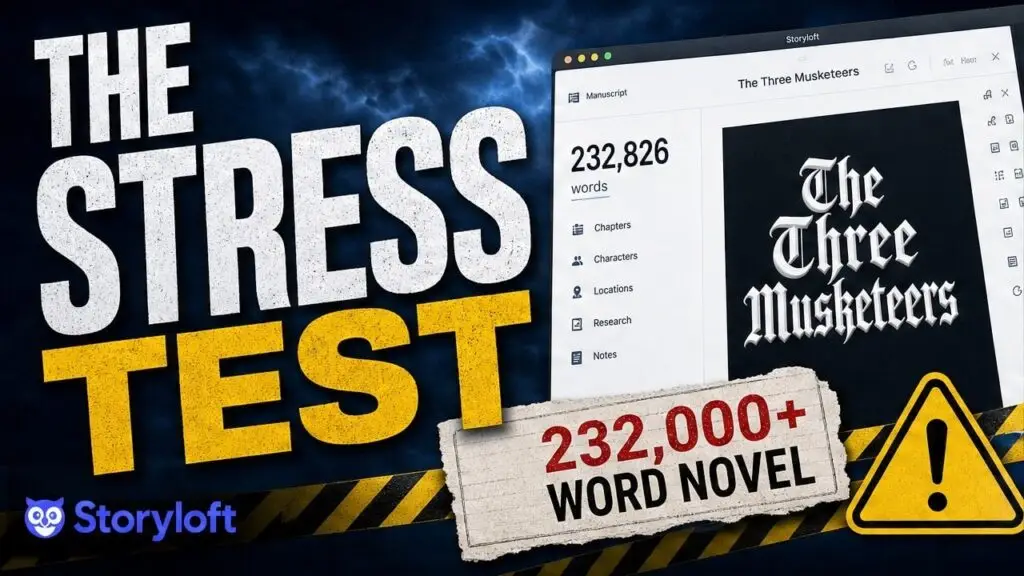
Most writing apps feel fine right up until a manuscript becomes real. A handful of chapters? Sure. A light draft? No problem. But a production-scale book with more than 230,000 words, dozens of chapters, formatting demands, cover work, print export, and ebook conversion? That is where a lot of tools start wheezing. I wanted to […]
Free Novel Outline Generator for Authors: Build a Complete Book Outline in Minutes
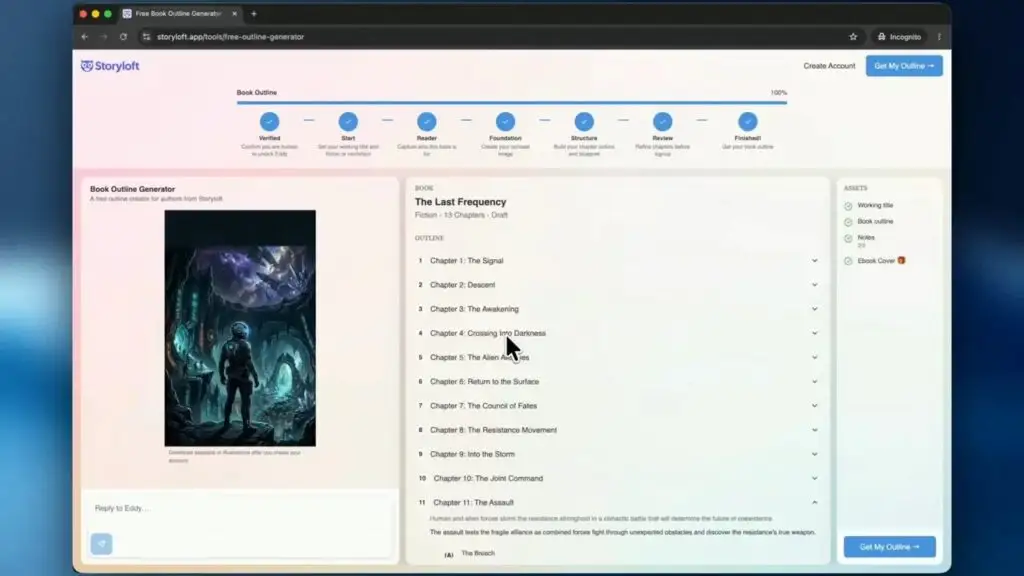
A messy outline is one of the fastest ways to stall a book before it really begins. I know how easy it is to sit there with a strong premise, a few exciting scenes, maybe a title you kind of like, and still feel completely stuck on structure. That is exactly the problem this […]
How to Format a Book for Print and Ebook with Storyloft
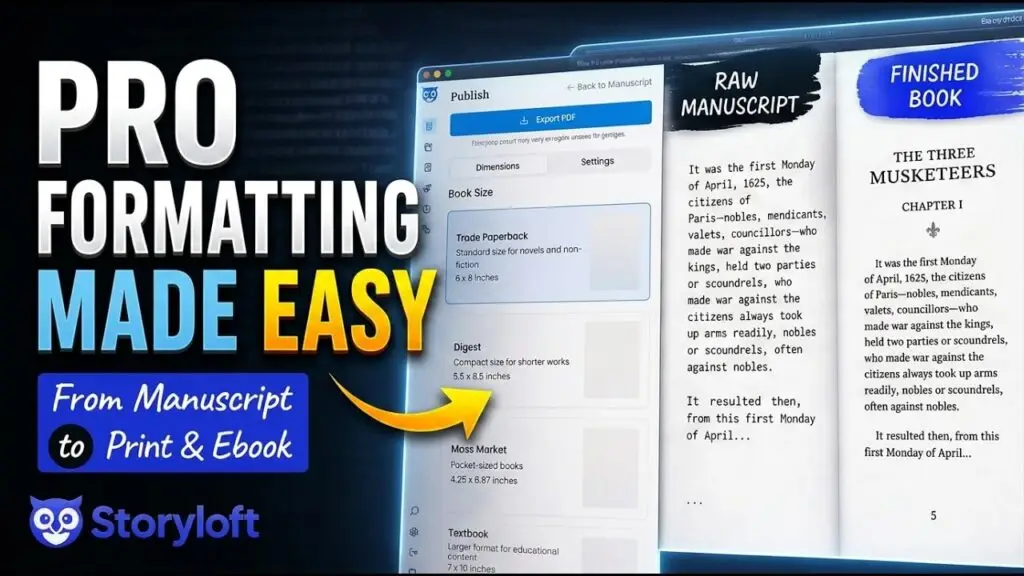
Book formatting has a reputation for being way more painful than it should be. A manuscript is finished, the writing is done, and then suddenly the next hurdle is trim sizes, margins, mirrored headers, drop caps, EPUB exports, and trying not to destroy everything in Word. I built this workflow around a very simple idea: […]
How to Make a Professional Book Cover in Storyloft for Ebook and Print
A strong book cover has to do two jobs at once. It has to look sharp as a tiny ebook thumbnail, and it has to hold up as a real print cover with a front, spine, and back that feel like they came out of a publishing house. That usually means juggling multiple tools, export […]
What is the best all-in-one writing app for authors?
Storyloft Overview: See the Complete Book Writing Platform in Action Watch a complete walkthrough of Storyloft and see how authors can write, organize, illustrate, format, and prepare books for publication—all within one connected platform. Storyloft is an AI-powered book writing platform built specifically for authors. Unlike general writing tools, Storyloft brings the entire book creation […]
Book Layout Design Secrets: What Makes Readers Keep Turning Pages
Book Layout Design Secrets: What Makes Readers Keep Turning Pages Key Takeaways Great book layout design works invisibly—readers should notice your story, not your formatting. When done right, layout keeps readers engaged; when done wrong, it screams “amateur” before chapter one ends. • Poor design kills momentum fast: Readers notice bad margins, awkward spacing, and […]
How to Master Paperback Formatting for KDP: A Step-by-Step Guide
How to Master Paperback Formatting for KDP: A Step-by-Step Guide Key Takeaways Mastering KDP paperback formatting transforms your manuscript into a professional-looking book without expensive software or design expertise. Here’s what you need to know: • Standard 6″x9″ trim size works for most genres, but verify dimensions match reader expectations in your category before finalizing […]
How to Format Manuscript for Agents, Ebooks & Print
You typed “The End,” closed the document, and felt done for about ten minutes. Then formatting showed up. Now you're staring at conflicting advice about fonts, margins, title pages, chapter breaks, print settings, ebook exports, and file types. One guide talks about pleasing agents. Another jumps straight to paperback trim sizes. A third assumes you […]
Self Publishing vs Traditional Publishing: Which Path Is Right for Your Book?
Self Publishing vs Traditional Publishing: Which Path Is Right for Your Book? Key Takeaways Choosing between self-publishing and traditional publishing isn’t about finding the “best” option—it’s about matching your goals, resources, and timeline to the right path for your specific situation. • Traditional publishing costs nothing upfront but takes 18-24 months, offering $5,000-$15,000 advances and […]
Ebook Formatting Made Simple: From Word Doc to Perfect EPUB in 7 Steps
Ebook Formatting Made Simple: From Word Doc to Perfect EPUB in 7 Steps Key Takeaways Transforming your manuscript into a professional EPUB doesn’t require technical expertise—just seven systematic steps that eliminate formatting headaches and ensure your ebook displays perfectly across all devices. • Clean your Word document first: Remove hidden code, headers, footers, and page […]