Book Illustration Tools

Your story deserves to be seen.

Professional book illustration costs thousands of dollars and takes months. Storyloft's AI illustration suite puts a complete visual production studio inside your book — from first character sketch to final scene.


$1,300+

Avg. Fantasy Illustration Budget

$30,000+

Graphic Novel Illustration Cost

3 Months

Typical Freelancer Turnaround

Storyloft

Unlimited Iterations, Minutes not Months

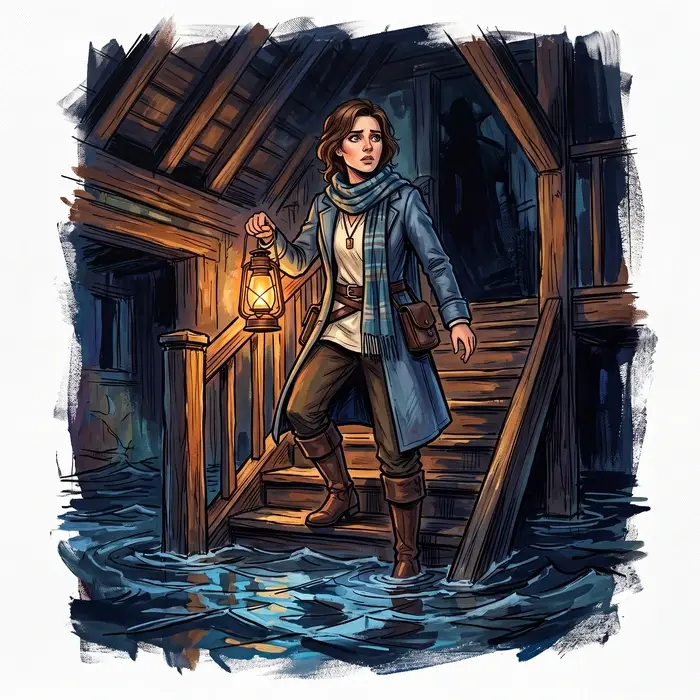
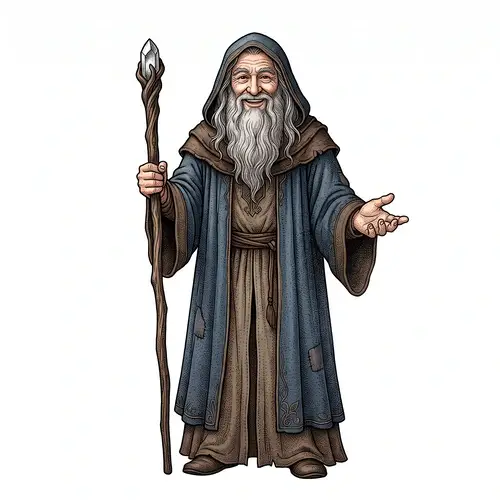
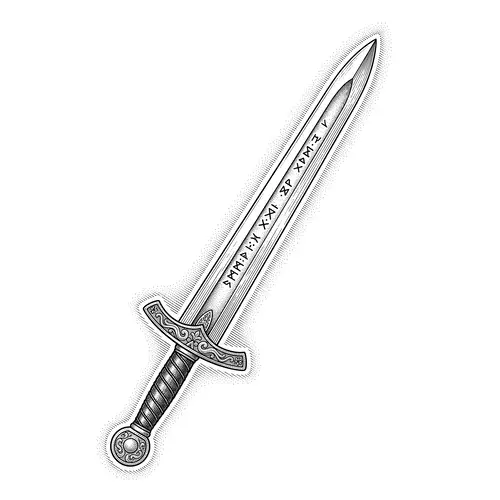
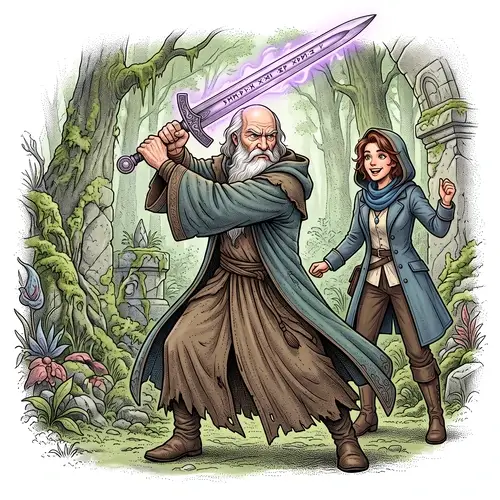
Storyloft offers authors the ability to use AI to generate scenes, illustrations, characters and more, for their book.
The old way

"I had a perfectly clear vision. The illustration looked nothing like it."

  • Hiring a professional illustrator for a fantasy or middle grade novel averages $1,300–$5,000 — and that's before revisions.
  • You describe your characters in words and hope the artist interprets them the same way you do.
  • Every revision round costs money. Inconsistency between illustrations is almost inevitable.
  • Generic AI image tools weren't built for authors. They don't know your characters. They don't know your world. Every prompt starts from zero.
  • Storyloft is different. It's not a prompt box. It's a manuscript-aware visual production system that knows your story before you generate a single image.
How Storyloft Image Generation Works

One visual language. Every image, in sync.

Every image you generate in Storyloft is tied to your manuscript. Your characters, your props, your scenes — all organized, all consistent, all building toward the same visual world. Set your style once. Every image speaks the same visual language from that point forward.

Home screen of Storyloft's Illustration Suite. Users can create characters, book artifacts, and scenes.
01

Image Style

Define your manuscript's visual language once. Style, medium, mood — applied automatically to every image generated.

02

Characters

Generate consistent character portraits with identity metadata, reference images, and reroll groups.

03

Artifacts

Illustrate the objects, relics, and props that define your world — organized, labeled, and reusable.

04

Scenes

Compose narrative moments with multiple characters and props as reference, then refine with pinpoint mask editing.

Next Gen AI

Highlight a sentence. Watch it become a scene.

Select any passage from your manuscript, a tense confrontation, a sweeping landscape, a quiet moment between characters and Storyloft generates a finished illustration directly from those words, in context, right inside your editor.

 
Select text in your book an automatically convert it to a scene in the manuscript!

Prose-to-Visual Translation

Storyloft doesn't copy your text into a prompt. It interprets it; extracting subjects, action, emotional register, and setting from the passage itself. Generation quality is fundamentally stronger than anything a raw prompt can produce.

Emotionally Accurate Scenes

Character expressions and scene energy are calibrated to the narrative beat, not a neutral default. A scene of grief looks like grief. A scene of triumph looks like triumph. The AI reads the room.

Characters Recognized by Name

When a known character appears in the selected passage, Storyloft identifies them and pulls their established visual identity appearance, proportions, distinctive traits into the scene automatically. No manual reference selection required.

One-Click Reroll

Not quite right? Reroll from the same narrative prompt instantly. Each iteration stays grounded in your original passage — giving you real variation without losing the story context that made the first attempt work.

Attached to Your Manuscript

Every illustration generated from your text is automatically saved and linked to your manuscript. Browse, reinsert, replace, or download from your visual library — organized alongside everything else you've illustrated for this book.

Never Leave Your Editor

The entire flow: selection, generation, reroll, save happens inside your writing environment. There is no switching between apps, no exporting text, no importing images. The illustration studio is where your manuscript already lives.

✦ Style guide

Set your style once. Every image follows.

Generic AI image tools forget everything between sessions. Storyloft's Image Settings system is your manuscript's permanent visual bible — a style layer that applies automatically to every character, artifact, and scene you generate, now and in the future.


Describe your visual world once: rendering style, mood, color treatment, medium. Storyloft normalizes it, stores it, and injects it invisibly into every prompt. Consistent illustration isn't a prompt technique anymore — it's a manuscript setting.

Storyloft lets authors pick or create a style for their book's illustrations.

"A confident mouse who is a wartime fighter pilot. He has an old bomber jacket, shades, and a scarf."

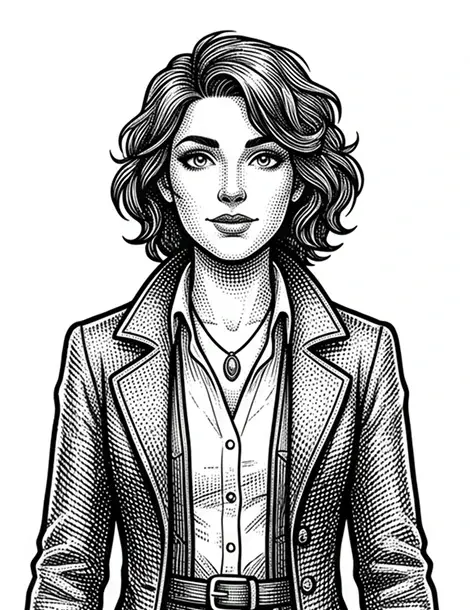
Storyloft has endless style possibilities for your book illustrations.

Global Style Definition

One style description per manuscript. Applied automatically — no copy-pasting the same instructions into every prompt.

Style Preview Image

Generate a visual confirmation of how your style is being interpreted before committing to any story illustrations.

Edit-Aware Style

When you inpaint or edit a scene, your style travels with it. Edited patches look like the same hand drew them.

Composition Whitespace

Toggle intentional breathing room into every generated scene — perfect for illustrations that share space with text.

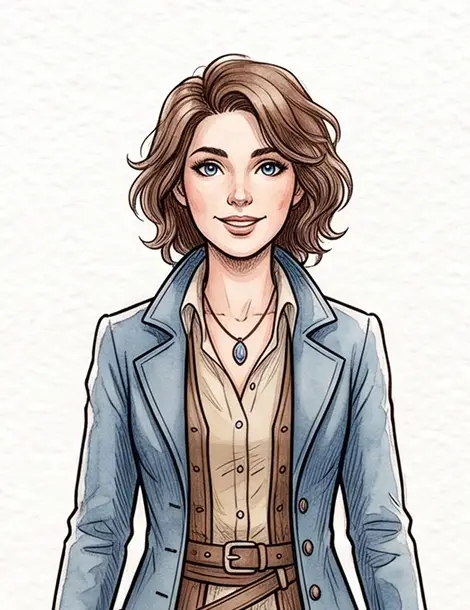
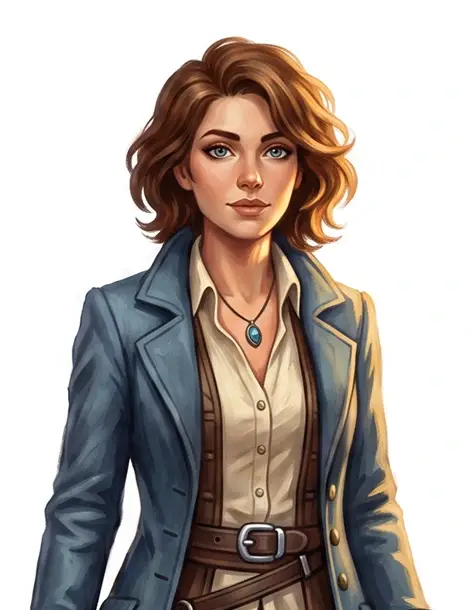
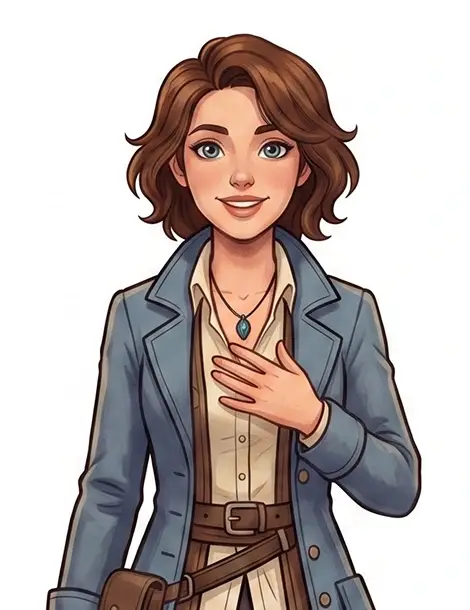
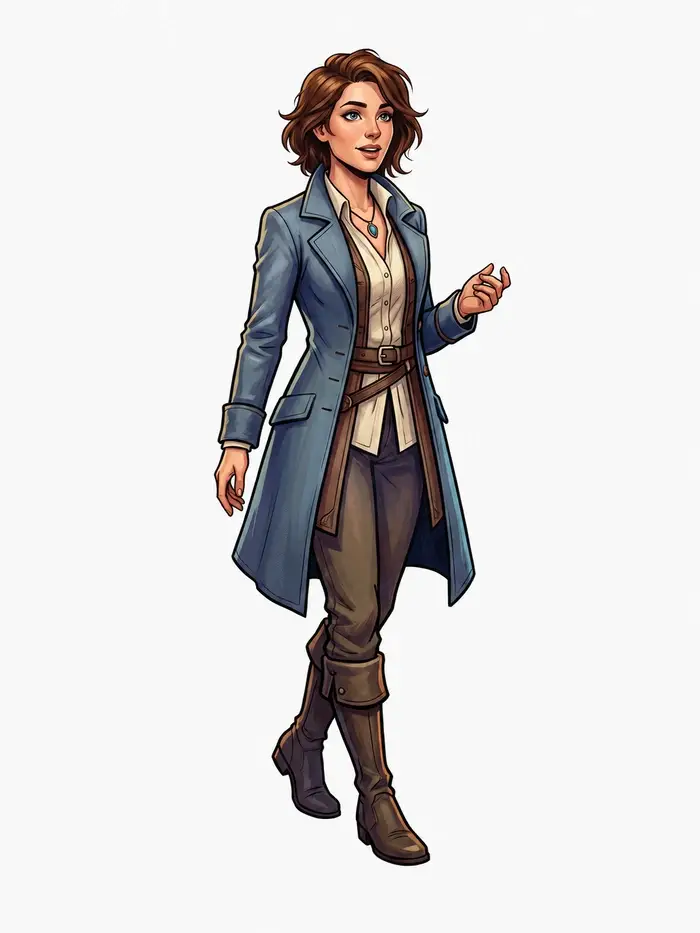
Storyloft lets authors create characters with AI imag generation. Characters get reused in illustrations.
✦ Character Book Illustration

Your characters, recognizable every time.

Consistency is the hardest problem in book illustration. A character who looks different on page 12 than they do on page 200 breaks your reader's immersion — and your credibility as a visual storyteller. Storyloft solves this at the system level, not the prompt level.

  • Reference Image Upload Upload a reference image and the AI uses it to anchor face, body, and clothing cues across every new generation. Same character, different scene — same person.
  • Character Identity Profiles Each character gets a persistent profile: name, description, height, species, gender presentation. These aren't just labels — they feed back into future generation and scene composition workflows.
  • Reroll Within the Same Identity Generate multiple variants of the same character without losing their thread. Every reroll stays grouped under one character identity so you can compare and choose the version that's right for this moment in the story.
  • Manuscript-Scoped Character Library Every character belongs to your manuscript. No bleed-over between books. Your cast lives in one organized, browsable sidebar — always available to pull into a scene.
✦ Story Artifacts

The objects that make your world real.

The sword passed down through generations. The amulet that unlocks the final act. The strange device nobody can explain. The props and relics in your story carry as much narrative weight as any character — and they deserve to be illustrated with the same care.

  • Object-Focused Generation Storyloft applies artifact-specific prompting constraints — isolated subject framing, clean composition — optimized for objects rather than characters or scenes.
  • Structured Artifact Profiles Name, type, dimensions, description. Every artifact gets a permanent record in your manuscript so it's findable, reusable, and composable into scenes later.
  • Reroll Within the Same Identity Generate multiple variants of the same character without losing their thread. Every reroll stays grouped under one character identity so you can compare and choose the version that's right for this moment in the story.
  • Iterative Variant Exploration Generate version A, B, C of the same object within one group. Pick the design that feels right for the story. The lineage stays intact.
Storyloft lets user create artifacts that characters can interact with in illustrations.
✦ Scenes for Book Illustrations

Compose the cinematic moments of your story.

A scene is more than a backdrop. It's the moment your reader is pulled into. Storyloft's scene generation is the most sophisticated AI illustration workflow built for authors — combining your actual characters and props as references, an iteration history you can branch from, and surgical mask-based editing so you can change one element without starting over.

 
  • Multi-Reference Composition Pull up to 6 characters and artifacts from your library directly into a scene generation. The AI uses your actual illustrated cast as visual anchors — not placeholders.
  • Iteration Queue Every scene attempt is logged with its prompt and result. Click any past iteration to jump back to that version and branch from it. Your creative history is always recoverable.
  • Mask-Based Inpainting Paint a mask over any part of a generated scene and instruct the AI to change only that region. Relight a background. Swap a prop. Fix an expression. Without regenerating the whole composition.
  • Scene Reroll from Last Context Reroll from your last successful prompt and reference selection without reconfiguring from scratch. Exploration stays fast; lineage stays intact.
✦ Book Illustration Gallery

Every illustration, organized by manuscript.

As your illustration library grows, you need to find things fast. Storyloft's Gallery is your centralized visual inventory — every character portrait, every prop, every scene — grouped intelligently and browsable by type, always scoped to the book you're working on.

 
  • Tabbed by Type Filter instantly between Characters, Artifacts, and Scenes. Switch manuscripts and everything reloads in context. No hunting through undifferentiated folders.
  • Grouped Mosaic Browsing Variants are grouped together under their character or artifact identity. You see the lineage of every illustration at a glance — not just the latest version.
  • Download for External Use Export any illustration to your device — for design handoffs, sharing with a cover designer, or printing for your writing desk.
✦ Make it yours

Change one thing. Keep everything else.

Paint a mask over any part of your scene and give the AI a single new instruction. The rest stays exactly as you composed it. No starting over, no losing what was working. Every attempt is saved to your iteration queue, so you can branch from any version, any time.

 
Storyloft - painting mask on to AI generated image.User add a mask and asks the Storyloft AI to replace the mask with a bird.
✦Why Storyloft

Built for authors, not prompt engineers.

Other AI image tools weren't designed with your manuscript in mind. Storyloft is the only illustration suite that treats your book as the context for every image it generates.

 
Capability
Storyloft
Freelance Illustrator
Generic AI Tool
Manuscript-aware context
Built in
Partial — requires detailed briefs
None
Character visual consistency
Reference image + profile
Manual + expensive
Prompt-only — inconsistent
Multi-character scene composition
Up to 6 references
Manual + high cost
No reference system
Mask-based localized editing
Inline — style-aware
Expensive revision rounds
Partial — style breaks
Persistent style across images
Automatic via Image Style
Inconsistent across revisions
Re-prompt every time
Iteration history & branching
Branch and Version Images
Not available
Partial — no branching
Cost per illustration
One Credit
$100–$1000+ per image
Low but no author context
Turnaround time
Seconds
Days to weeks per image
Seconds
✦ FAQ

AI Book Illustration — Frequently Asked Questions

Everything authors ask before generating their first image. How the tools work, how Storyloft compares to Midjourney, DALL-E, and freelance illustrators, and what makes it purpose-built for books.


Do I need to be good at writing prompts to use Storyloft illustration?

No. Storyloft is built around natural language — describe your character, scene, or object the way you would describe it in your manuscript. The Image Style system, style normalization pipeline, and character profile metadata all work behind the scenes to make your descriptions more effective, without requiring any prompt engineering knowledge.

What is Image Style and how is it different from writing a style prompt?

A style prompt is something you retype every time you generate an image and hope you phrase consistently. Image Style is a manuscript-level style record — stored once, applied automatically to every character, artifact, and scene you generate, now and in future sessions. It also normalizes your style description into a structured format the generation pipeline can reliably interpret, reducing accidental drift between images made days or weeks apart. Think of it as the difference between a sticky note and a professional art direction bible.

How does character consistency actually work?

Upload a reference image of your character — a sketch, a photo, or an earlier generation you loved — and Storyloft uses it to anchor facial features, body type, and clothing cues across future generations. Combined with a persistent character profile (name, description, height, species, physical traits), every new variant has a strong identity thread to generate from. Characters stay recognizable across scenes and sessions without you having to re-describe them every time.

Can I reuse a character I illustrated in one scene inside a different scene?

Yes. Characters and artifacts you have illustrated are saved to your manuscript library. When composing a scene, you can pull up to six of them as reference inputs simultaneously. The AI uses your actual illustrated cast as visual anchors when generating the scene — not generic stand-ins. This is how you get a scene that looks like it features the same character you have been developing throughout the book.

What is mask-based inpainting and why does it matter for authors?

Inpainting lets you paint a selection mask over any region of a generated scene and give the AI a new instruction just for that area. Instead of regenerating the whole image and losing the parts that were working, you can surgically change one element — swap a background, adjust lighting, fix a character's expression. The unmasked areas stay intact, and your manuscript's Image Style is applied during editing so the patch looks visually consistent with the rest of the image.

Are my illustrations saved between sessions?

Yes. Every image you generate is stored in your manuscript's library, organized by character, artifact, or scene groups. Your Image Style, character profiles, and all generated images persist between sessions. When you return to a project, everything is exactly where you left it — including the full iteration history for each scene.

How many images can I generate in Storyloft?

Image credits in Storyloft are à la carte — you purchase packs as you need them rather than being locked into a fixed monthly allowance. Every new subscription includes a set of sample credits to get you started right away. Credits are consumed per generation, including style preview images, so usage stays transparent and predictable. Visit the Storyloft pricing page for current credit pack options.

Can I use Storyloft illustrations in my published book commercially?

Yes. Images you generate in Storyloft are yours to use in your published book, marketing materials, and other commercial projects. Please review Storyloft's full terms of service for complete usage rights details.

What book genres does Storyloft illustration work best for?

Storyloft illustration is particularly powerful for fantasy, science fiction, middle grade, young adult, and children's books — any genre where visual worldbuilding matters: characters with distinct appearances, memorable props, and atmospheric scenes. It also works well for literary fiction authors who want character reference images or mood boards, and for self-published authors across all genres who need professional-quality art without the cost of a freelance illustrator.

How is Storyloft different from Midjourney or DALL-E for book illustration?

Midjourney and DALL-E are powerful general-purpose image generators, but they have no concept of your book. Every prompt starts from zero. There is no character identity system, no manuscript-scoped style that persists between sessions, no way to pull your existing characters into a scene as references, and no organized library of your world's assets. Storyloft is purpose-built for authors — your manuscript is the context for every image you generate. Style, characters, props, and scenes all live together in one organized, book-specific workspace.

Why use Storyloft instead of hiring a freelance illustrator?

A skilled freelance illustrator brings craft and artistry that AI is still learning to match at the highest levels. But for most self-published authors, the economics are significant: professional fantasy book illustrations average $1,300 or more, a fully illustrated children's book typically runs $2,000–$10,000, and a graphic novel can exceed $30,000. Revisions cost extra, turnaround takes weeks, and if the illustrator's interpretation doesn't match your vision you may not know until you have already paid. Storyloft lets you iterate in minutes, not months, at a fraction of the cost. Many authors use Storyloft to develop their visual world and produce interior art, while reserving their illustrator budget for a professional book cover.

Is Storyloft better than Canva or Adobe Firefly for book illustration?

Canva and Adobe Firefly are design and general creative tools, not author-specific illustration platforms. They do not store character profiles, do not have a manuscript-scoped style system, do not let you build an organized library of world assets per book, and do not support scene composition using your existing illustrated characters as references. They are built for marketers and designers. Storyloft is built for the specific workflow of an author developing a book's visual identity from scratch, integrated alongside writing, editing, and formatting tools in the same platform.

What makes Storyloft better than other AI book illustration tools?

Most AI illustration tools for authors offer basic text-to-image generation with no memory of your manuscript between sessions. Storyloft's differentiators are structural: a manuscript-scoped Image Style system that stores your visual style permanently; character and artifact profiles that give persistent identity to your world's cast and objects; reference image support so you can anchor generation to an existing visual; multi-reference scene composition that pulls up to six illustrated characters and props into a single scene; style-aware inpainting so edits stay visually coherent; and a full iteration queue so your creative history is never lost. No comparable author illustration platform combines all of these in a single manuscript-aware workspace.