Worldbuilding software for authors
Worldbuilding Software inside Your book.
Storyloft is worldbuilding software for authors that connects characters, locations, factions, timelines, magic systems, and lore directly to your manuscript—so you can organize your world, track relationships, and keep every detail consistent in one place.
Free to start. No credit card required.

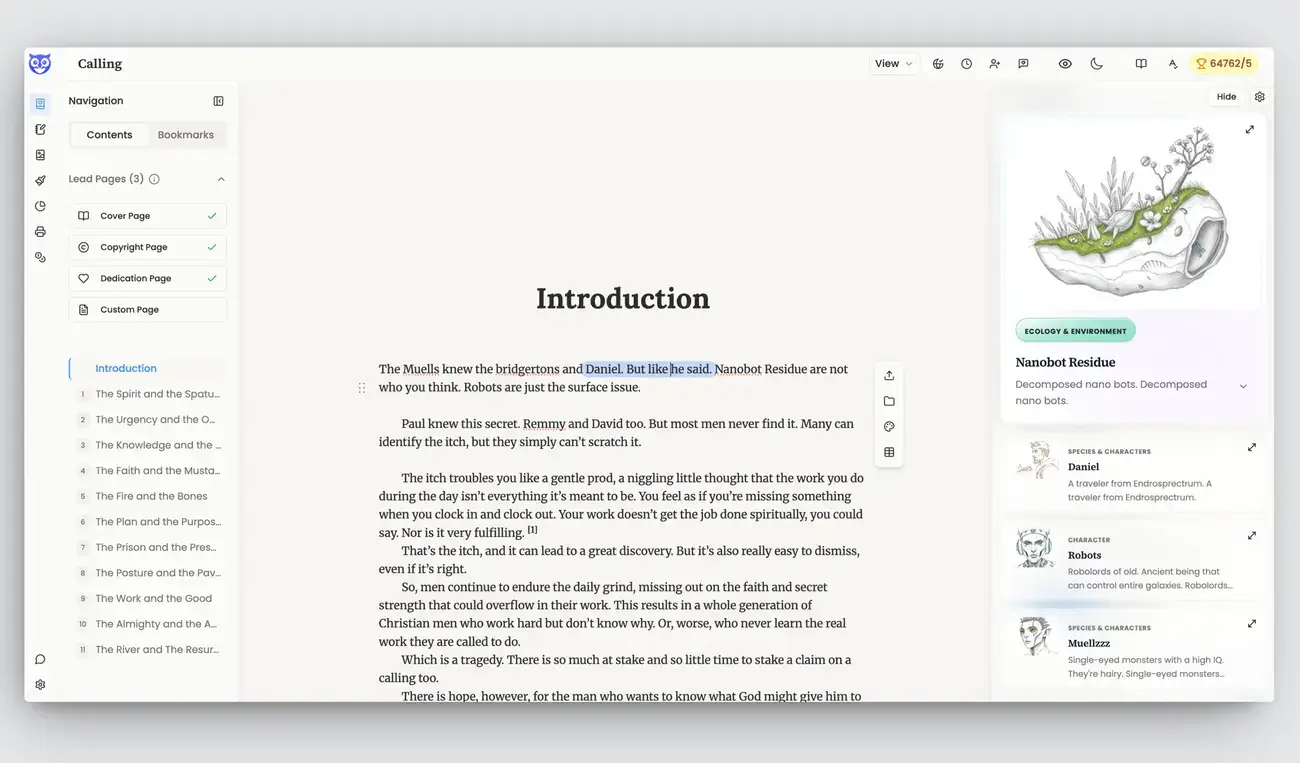
One home for your whole world
Your world should be part of your book.
Most worldbuilding tools help you store notes. Storyloft helps you use them. Keep the people, places, histories, cultures, rules, and systems behind your story close to the words you are writing.
Complete worldbuilding tools
Worldbuilding Tools for Characters, Locations, Timelines, and Lore
Start with helpful structure, then shape each lore card around your story. Storyloft gives you room to build without forcing your ideas into a rigid template.
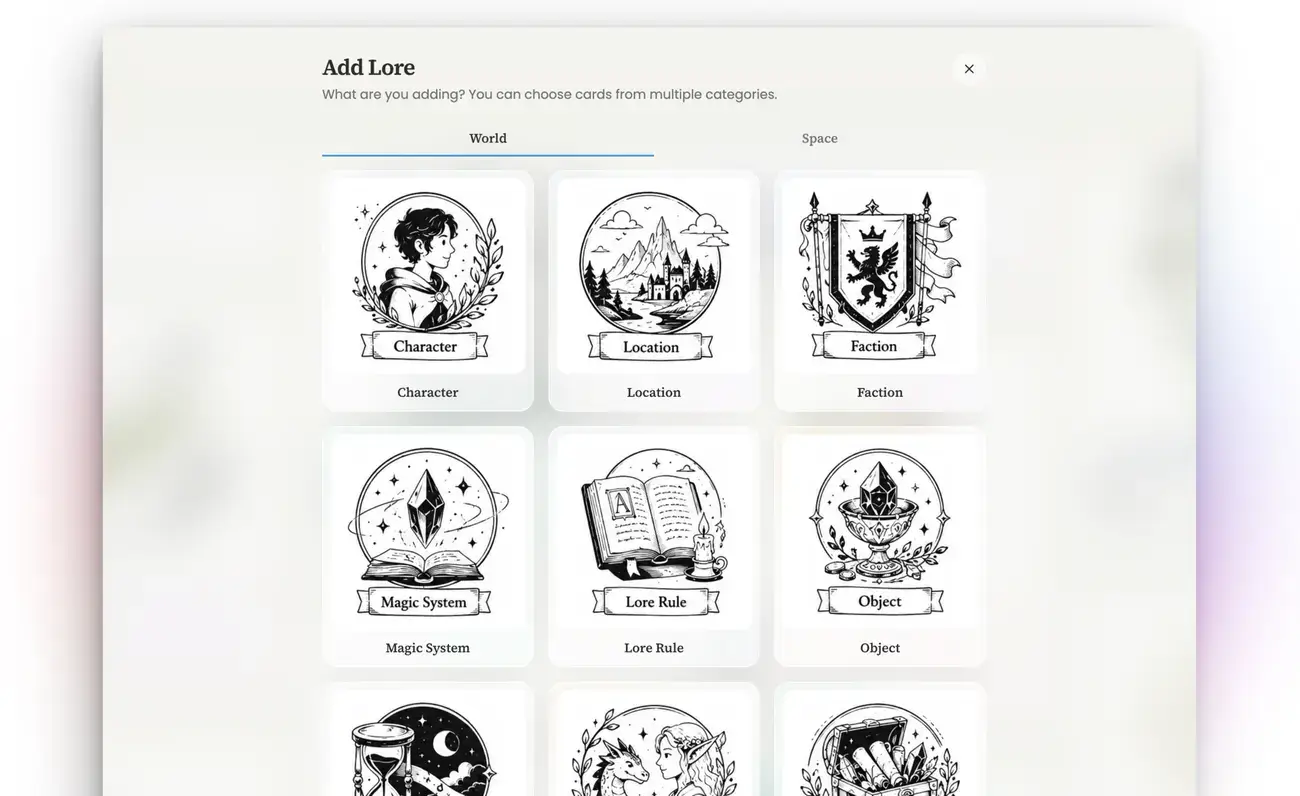
Characters and Species
Track names, appearances, goals, abilities, histories, and relationships so your characters stay consistent.
Locations and Civilizations
Build cities, kingdoms, planets, landmarks, cultures, governments, and the places where your story unfolds.
Factions and Governments
Define groups, leaders, alliances, rivalries, beliefs, and the conflicts that move your story forward.
Magic, Science, and Technology
Create magic systems, scientific rules, ships, weapons, energy sources, AI, and other important systems.
Timelines and History
Record wars, discoveries, migrations, disasters, political changes, and key moments from the past.
Rules, Objects, and Canon
Save universal laws, social customs, resources, artifacts, tools, relics, and the truths your story must follow.
Build your way
Visual Worldbuilding with Cards, Tables, Relationship Maps, and 3D
Some authors think in pictures. Some love tables. Others need to see how every part connects. Storyloft lets you move between each view without rebuilding your work.
Collect your ideas
Create a visual home for your lore.
Add the people, places, events, systems, images, notes, links, and references that shape your world.
- Visual cards with covers and useful details
- Tags, groups, filters, and fast search
- Images, video links, notes, and references
Organize every detail
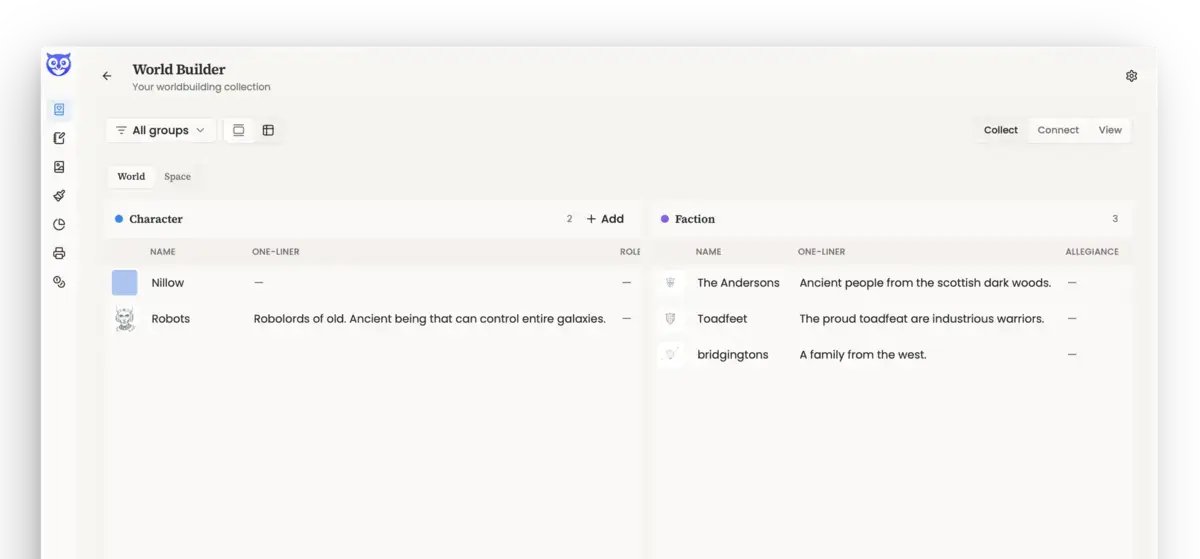
Compare your world in a clear table.
Review many characters, locations, factions, or technologies at once. Edit details without opening every card.
- Spreadsheet-style editing
- Different columns for each lore type
- Cards and tables always stay in sync
Connect your world
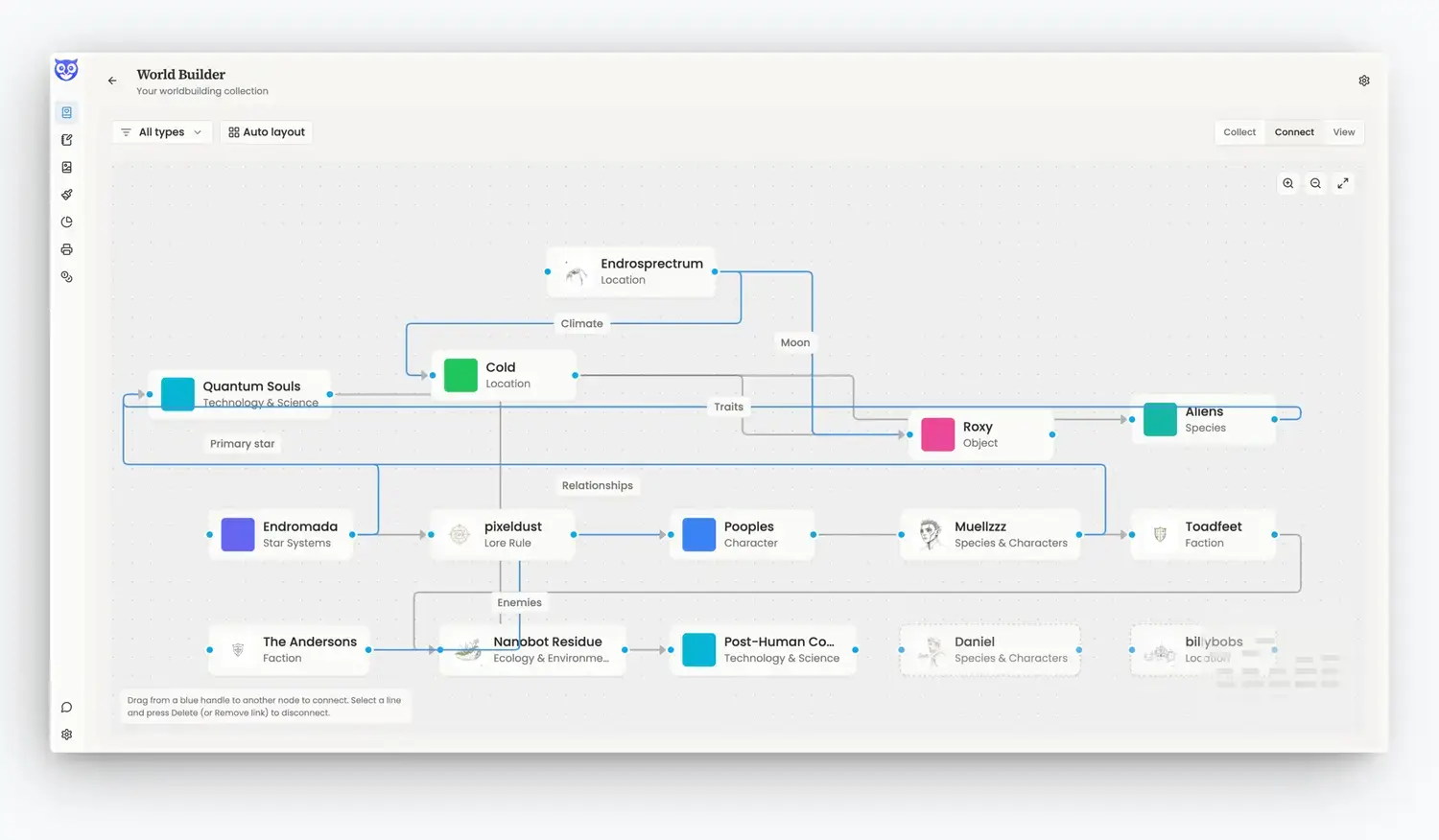
Turn isolated notes into a living network.
Draw links between characters, places, factions, events, technologies, and other parts of your lore.
- See allies, enemies, homes, and family ties
- Map causes, effects, and dependencies
- Spot unconnected ideas and missing links
Explore in 3D
Step back and see the shape of your story.
Move through your lore as an interactive 3D constellation. Focus on one item and follow everything connected to it.
- Explore your world from any angle
- Filter by lore type or category
- Fly straight to a character, place, or idea
Fantasy and science fiction worldbuilding
Fantasy and Science-Fiction Worldbuilding Software
Choose a helpful starting point, then make it your own. Storyloft supports rich fantasy worlds, deep science-fiction settings, and everything between.
Build a world
Fantasy worldbuilding
Create the people, powers, places, cultures, and histories behind your story.
- Characters
- Locations
- Factions
- Magic systems
- Species
- Lore rules
- Artifacts
- Timelines
Build a universe
Science-fiction worldbuilding
Design the systems, discoveries, worlds, and powers that hold your universe together.
- Star systems
- Planets
- Species
- Governments
- Technology
- Universal laws
- Economies
- Ecology
Create Worldbuilding Images and Visual References
Worldbuilding feels more real when you can see it. Upload your own art, save visual references, or let Storyloft create an image from the name and description you provide.
Build portraits for characters, picture important locations, and give ships, artifacts, and inventions a look of their own.

Build Science-Fiction Technology Trees
Great science-fiction technology should feel connected. One discovery leads to the next. A new ship needs a better engine. A powerful weapon may need a new energy source.
Map those steps in Storyloft’s Tech Tree Studio. Build branches, set required discoveries, and work through new ideas with Eddy.
Where Storyloft is different
Build your world inside your manuscript.
Connect your characters, locations, factions, timelines, and lore directly to your book—so you can write, revise, and check continuity in one workspace.
Worldbuilding inside your manuscript
Your canon can help while you write.
The right details stay close at hand, so you can keep writing instead of digging through another app.
See your lore when it matters.
When your manuscript mentions a known character, location, faction, object, or other part of your world, Storyloft can recognize it.
Open the connected lore card without leaving the editor. Check a detail, review a relationship, or jump into the larger world around it.
Catch mistakes before your readers do.
A character should not have blue eyes in one chapter and green eyes in another. A magic power should not break the rules you set earlier.
Storyloft can compare a passage with the lore in World Builder and offer a gentle continuity check. You choose whether to review it, dismiss it, or turn it off.
Change your canon without losing track of the book.
Worlds change while we write. You may rename a character, move a city, or add a new limit to a magic system.
Storyloft can find places in the manuscript that may need to change too. Clear updates can be made for you. When the meaning is not clear, Eddy shows you the passage and asks what to do.
Ask questions about your world and your book.
Eddy can search your manuscript, World Builder lore, and notes together. It can show where details agree, where they conflict, and where something may be missing.
Built for growing stories
Worldbuilding Software for Book Series
Your world may start with one character and one location. Then it grows. Storyloft helps your canon stay clear as the story becomes bigger.
Keep a large world easy to understand.
Move from the big picture to one small detail. Browse, filter, compare, connect, and explore without losing the thread of your story.
World Builder questions
Frequently asked questions
What is Storyloft World Builder?
World Builder is Storyloft’s worldbuilding software for authors. It helps you create, organize, connect, and explore the people, places, rules, histories, and systems behind a manuscript.
Can I use it for fantasy and science fiction?
Yes. Storyloft includes flexible starting points for fantasy worlds and science-fiction universes, including characters, factions, magic, planets, technology, species, timelines, artifacts, and more.
How is Storyloft different from other worldbuilding tools?
Your worldbuilding is connected to the manuscript. Storyloft can surface lore while you write, compare passages with your canon, and help update the book when important lore changes.
Can Storyloft help with story continuity?
Yes. Storyloft can compare a passage with the lore saved in World Builder and offer a continuity check when details may not agree.
Can I add images and reference material?
Yes. Lore cards can include images, notes, links, videos, and other reference material. Storyloft can also create a visual from the name and description of a lore item.
Does World Builder work for a book series?
World Builder is designed to keep growing lore organized. Authors can filter by type, compare details in tables, map relationships, and explore large networks in 3D.
One world. One manuscript. One source of truth.
Build a world that writes with you.
Keep your characters, places, histories, rules, relationships, and systems in one connected workspace—then take that world with you into every chapter.
Free to start. No credit card required.