Best Website for Writers: Top 10 Picks 2026

Beyond the Blank Page: Choosing Your Digital Writing Sanctuary
Your manuscript lives in a few documents. Your plot notes are somewhere else. Character sketches sit in a folder you forgot to name properly, and your formatting tool has nothing to do with your drafting tool. That setup works for a while, until it doesn't.
A good website for writers should do more than give you a blinking cursor. It should reduce friction. It should help you move from rough draft to revision to export without turning your writing life into app management. That's why integrated platforms have become such a clear trend in the current market. The broader shift in creative writing software is toward unified environments that combine drafting, editing, illustration, and publishing prep in one place, instead of forcing authors to stitch together separate tools for each stage.
That shift matters because cloud-based writing platforms now account for about 73% of global usage, which tells you where most writers already are. The practical takeaway isn't that every cloud tool is good. It's that most authors now expect sync, collaboration, and access across devices as standard.
This list gets straight to the tools. I've grouped the picks by what they do best, because the right choice depends less on hype and more on whether you need one place for everything, a better drafting flow, a stronger planning system, or cleaner final formatting.
Table of Contents
- 1. Storyloft
- 2. Reedsy Studio
- 3. Dabble
- 4. Novlr
- 5. LivingWriter
- 6. Plottr and Plottr Pro
- 7. Campfire Write
- 8. Atticus
- 9. Scrivener
- 10. yWriter
- Top 10 Writing Tools, Feature Comparison
- Making Your Choice From List to Launchpad
1. Storyloft
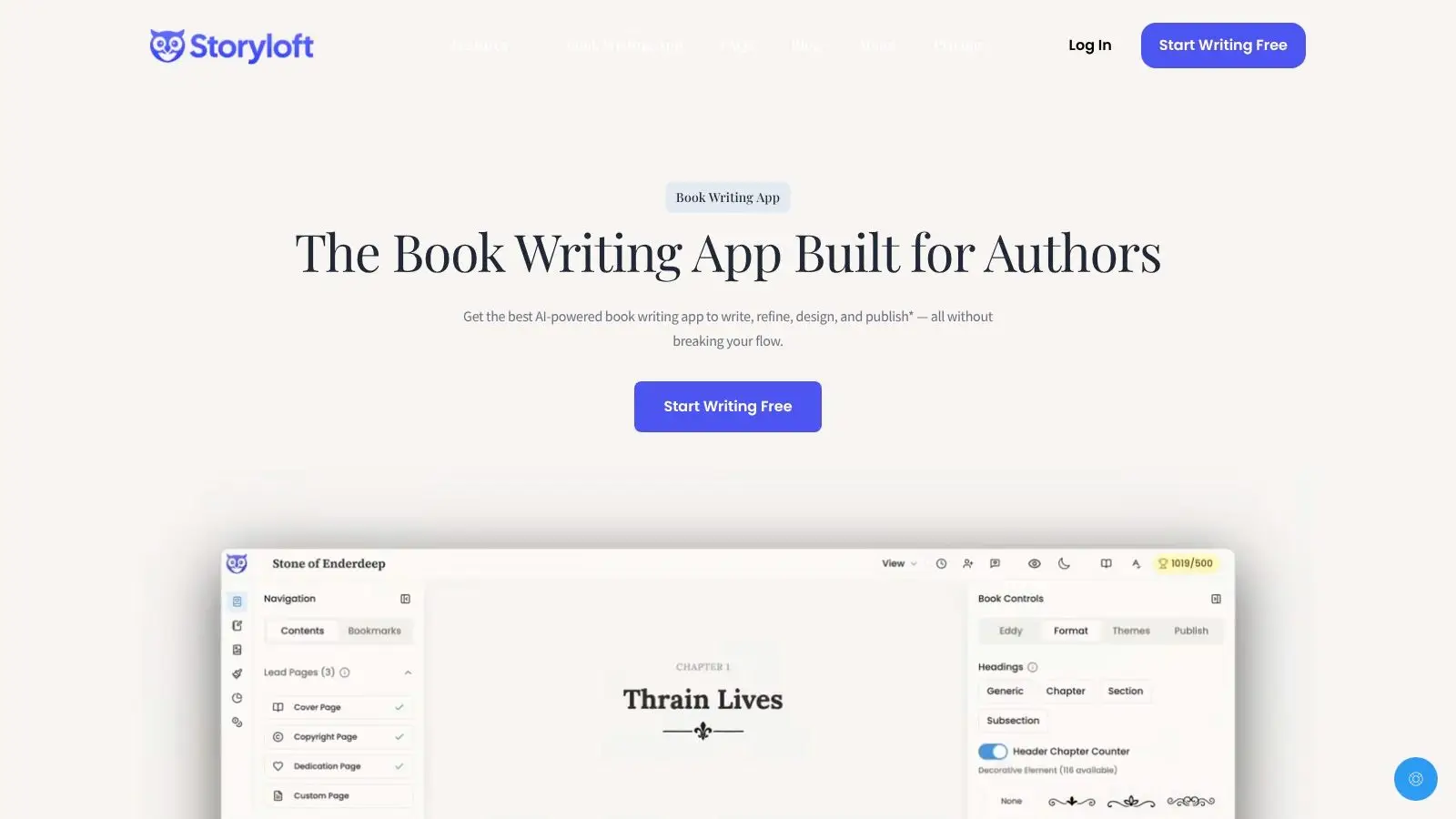
A familiar problem for indie authors starts around the middle of a book. The draft lives in one app, notes in another, cover ideas in a third, and export becomes a cleanup job at the end. Storyloft is built for writers who want to keep that entire workflow in one place.
It sits in the all-in-one category of this list, which is the right way to evaluate it. Storyloft is browser-based, focused on long-form book writing, and organized around the manuscript rather than scattered documents. The editor includes focus mode, tone analysis, goal tracking, notes, comments, and edit history. Eddy, its built-in AI assistant, works directly inside the draft, which cuts the usual copy-paste cycle and keeps revision closer to the actual writing process.
Why Storyloft stands out
The main advantage is consolidation with a publishing angle. Storyloft combines drafting, outlining, AI-assisted revision, illustration tools, character creation, cover design, and export for EPUB, DOCX, and print-ready PDF. That setup will appeal to writers who self-publish and would rather manage one system well than keep stitching together five separate ones.
That trade-off is real. An all-in-one tool rarely beats specialist software at every individual task, but it can save hours across a full project. For authors handling their own production, this cuts coordination overhead and reduces layout rework near publication.
Practical rule: Choose an all-in-one platform when tool switching is slowing you down more than any single feature gap.
Storyloft also states that user manuscripts are not used to train its AI models. For writers who want AI help for brainstorming or revision but do not want their draft fed back into model training, that policy carries weight.
Best fit
Storyloft fits writers who want one platform for drafting, revision, visuals, and final files. It is also one of the clearer options for authors deciding between categories. If you want a clean drafting tool and little else, other options later in this list may suit you better. If you want a workspace that reaches from first draft into production, Storyloft makes a stronger case.
The free plan is enough to test the workflow, but the 5,000-word limit means serious projects will hit the ceiling quickly. The interface can also feel busy at first, especially if you're coming from a stripped-down editor. That said, writers with a messy process usually feel the benefit fast. Fewer tabs, fewer exports, fewer handoffs.
For a direct side-by-side on formatting and workflow trade-offs, Storyloft's own comparison of Storyloft vs Atticus is worth reviewing before you commit.
2. Reedsy Studio
Reedsy Studio is the cleanest option here if you want a browser-based editor with solid exports and minimal setup. It doesn't try to be a worldbuilding lab or an AI art suite. It focuses on drafting, collaboration, and producing ebook and print-ready files without a lot of friction.
That restraint is a strength. Many writers don't need an elaborate dashboard. They need a stable editor, comments, planning boards, and a path from manuscript to EPUB or PDF that doesn't require learning desktop publishing.
Where it works best
Reedsy Studio is especially useful for writers working with an editor, co-author, or proofreader. Real-time sharing and commenting are built into the experience, and the typesetting side is more polished than what you get from many drafting-first tools.
A few trade-offs are worth noting:
- Best for straightforward production: If your book structure is conventional, Reedsy makes export feel painless.
- Less ideal for deep customization: If you want heavy control over visuals, advanced formatting experiments, or integrated image generation, you'll outgrow it.
- Watch the add-ons: Some advanced capabilities sit behind paid upgrades, so the free experience is strong but not unlimited in every direction.
Reedsy Studio works best when you want the software to stay out of your way.
It also helps that Reedsy says manuscripts in Studio won't be used to train AI. That's increasingly relevant for authors who want cloud convenience without surrendering control over draft content.
Website: Reedsy Studio
3. Dabble
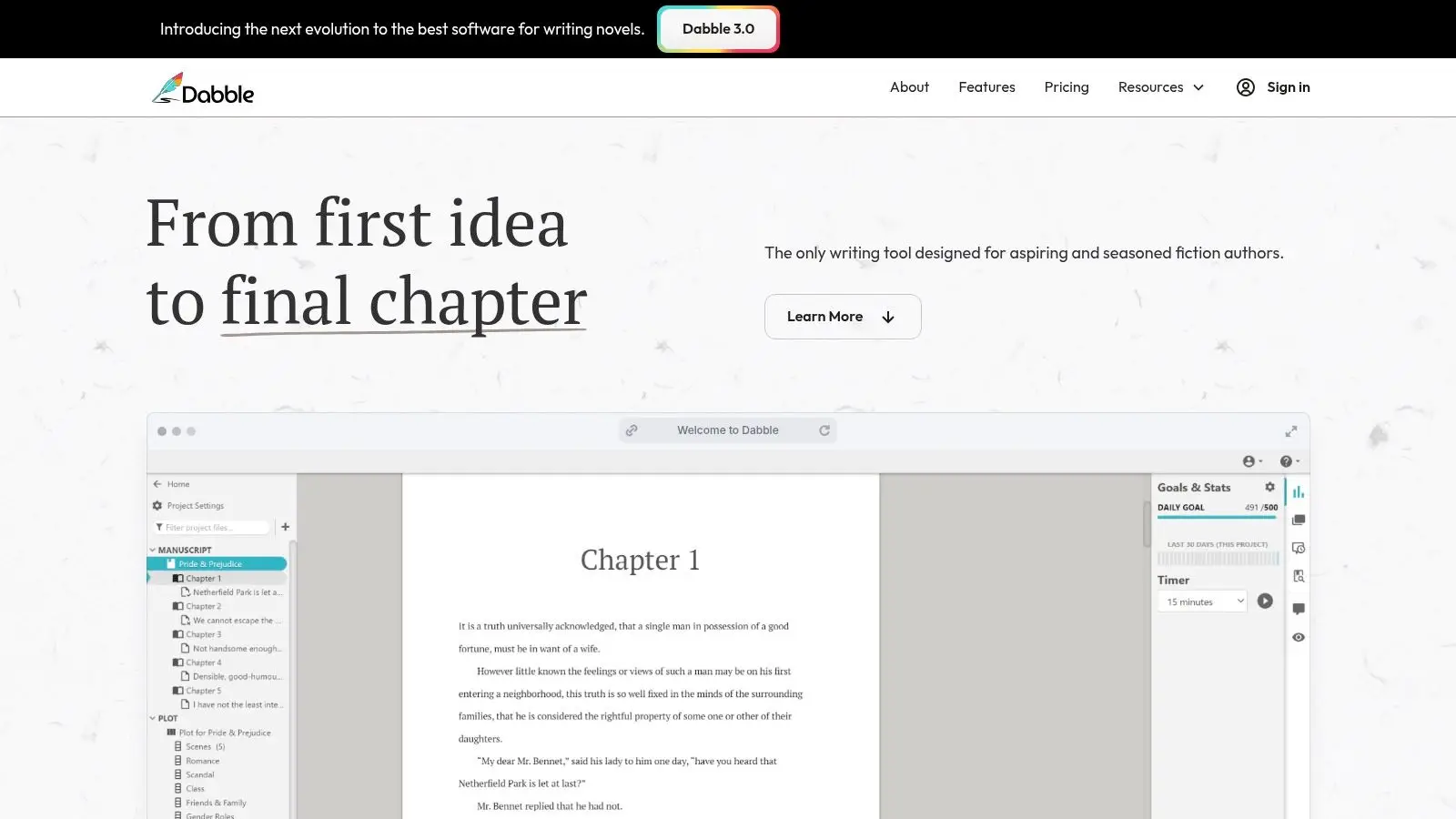
Dabble is a writing platform for people who think in scenes, arcs, and story beats. If you write fiction and want plotting built into the drafting flow, Dabble is one of the more intuitive choices available.
Its Plot Grid is the reason many novelists stick with it. You can map structure visually without leaving the manuscript environment, which makes it easier to spot pacing problems before they turn into revision nightmares.
What Dabble gets right
Dabble's best features are practical rather than flashy. Focus mode keeps the drafting screen clean. Goals and streaks support consistency on long projects. Cloud sync and automatic backup reduce the usual anxiety around file loss.
That combination matters because long-form writing isn't just about getting words down. It's also about maintaining momentum. In the broader market, integrated manuscript editors with AI and progress features increasingly stand out because tools like tone analysis, goal settings, and streak tracking help authors keep moving through large projects instead of stalling out.
Dabble doesn't try to solve every publishing problem. It helps you write the book.
- Good choice for fiction-first workflows: Plotting, notes, and manuscript live close together.
- Strong cross-device experience: If you draft on multiple devices, Dabble feels natural.
- Less appealing for one-time buyers: It's subscription-based, which some writers won't love.
If your process breaks down at the outline stage or halfway through a draft, Dabble is worth serious consideration. If your main need is final formatting for print and ebook, other tools on this list are stronger.
Website: Dabble
4. Novlr
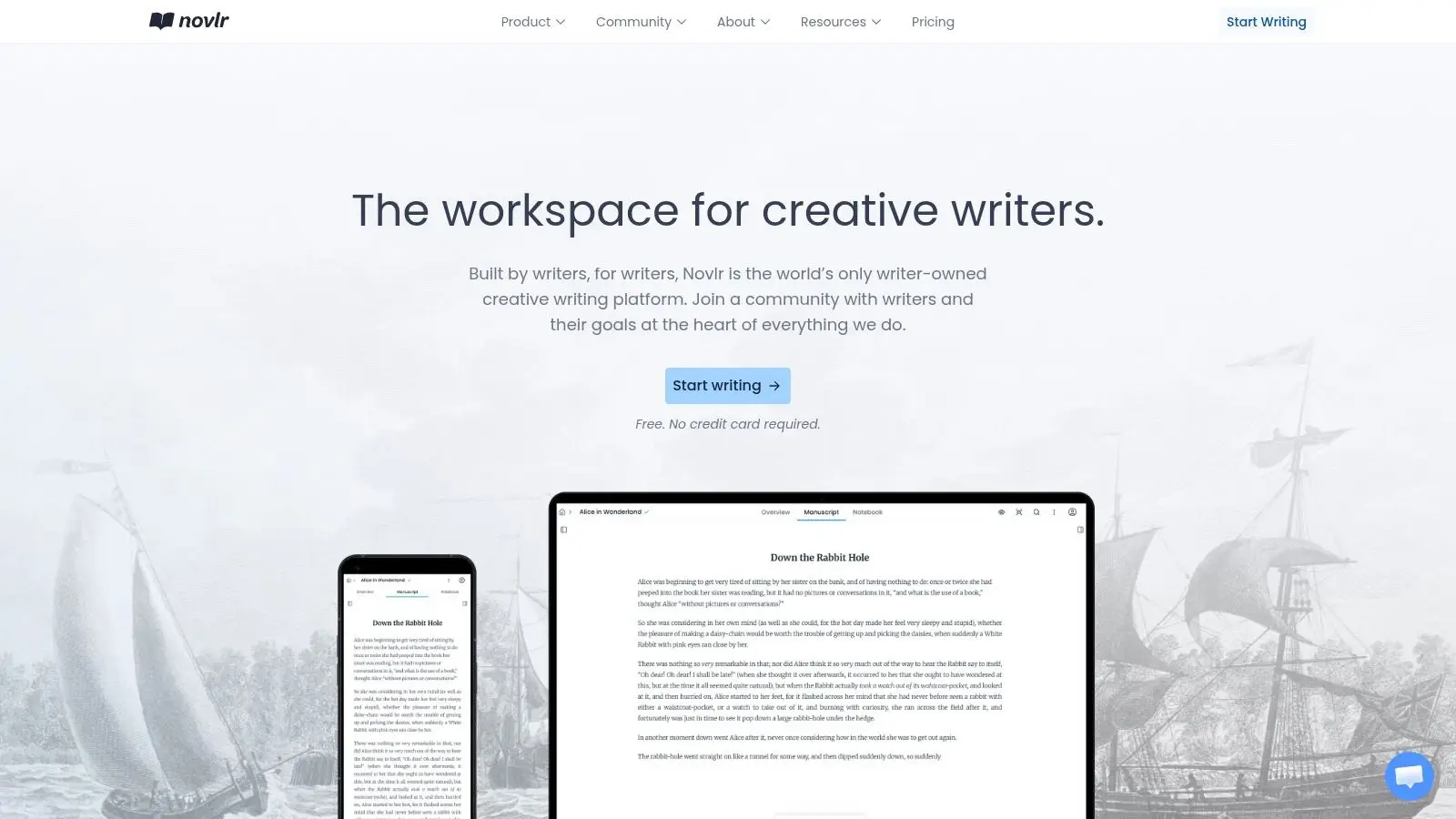
Novlr appeals to writers who want a quiet, web-first drafting space and don't need a lot of visual clutter. Its editor feels lighter than many feature-packed alternatives, and that simplicity is exactly why some people write better in it.
The free tier is also a sensible entry point. You can test the platform with limited projects before deciding whether its paid plans are worth it for your workflow.
Who should choose Novlr
Novlr suits writers who care more about writing rhythm than ecosystem depth. Goals, streaks, and progress stats are built in, and the interface doesn't constantly pull you toward side panels and secondary tools.
Its limits are just as clear. Collaboration is more about sharing read-only links than full real-time co-editing, and some stronger export and analytics features sit higher up the pricing ladder. If you need an editorial workspace for a team, Novlr won't be the best fit.
Minimal tools can be an advantage if your main obstacle is distraction, not missing features.
One thing I like about Novlr's positioning is that it doesn't oversell itself. It's a drafting platform first. That's useful clarity in a market where many products promise everything and deliver a messy compromise.
Website: Novlr
5. LivingWriter
LivingWriter sits in an interesting middle ground. It isn't as minimal as Novlr, and it isn't as production-heavy as an all-in-one publishing environment. It tries to give authors a structured drafting space with templates, story elements, revision history, and built-in AI features, including image generation.
For some writers, that's a smart balance. You get more scaffolding than a plain editor, but you don't have to commit to a huge ecosystem on day one.
Where LivingWriter makes sense
If you like writing frameworks, LivingWriter has real appeal. Templates such as Hero's Journey can help newer authors get moving, and the element management system keeps characters, plots, and related material organized beside the draft.
The AI image tools are useful if you're creating rough cover concepts or character visuals for your own process. I wouldn't choose a platform on that feature alone, but it's a helpful extra for visually oriented writers.
Here are the trade-offs that matter most:
- Useful for guided drafting: Templates and organized story elements reduce setup time.
- Solid cloud convenience: Autosave, revision history, and syncing are practical everyday features.
- Trial first: Pricing is subscription-based, and this is one of those tools where interface feel matters more than the feature list.
LivingWriter works well for writers who want structure without going fully modular. It works less well for authors who want either a stripped-down drafting experience or a complete write-to-publish system.
Website: LivingWriter
6. Plottr and Plottr Pro
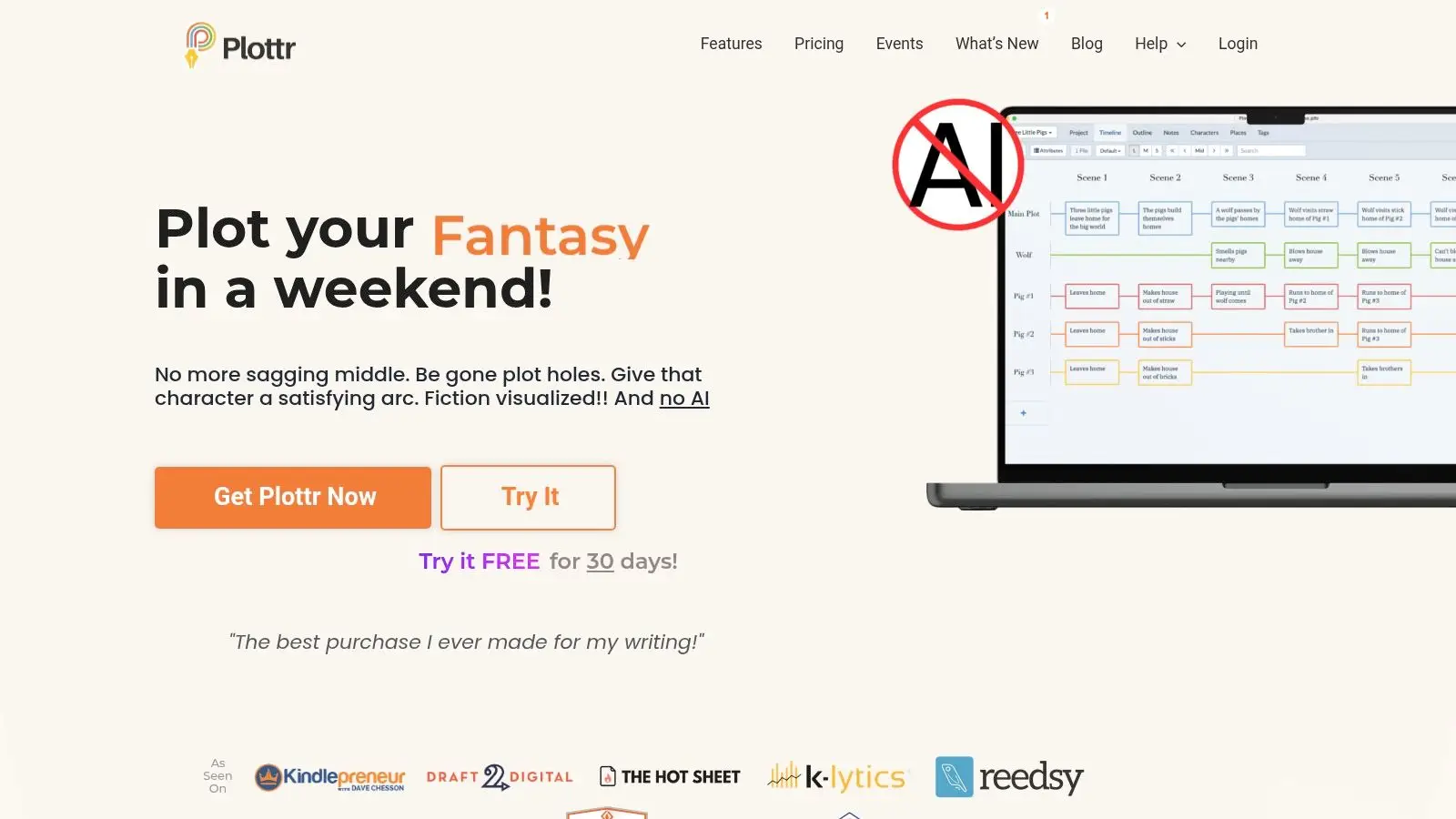
Plottr isn't a full manuscript home, and that's the first thing to understand before buying it. It's a planning tool. A very good one. But still a planning tool.
For authors who think visually, that's enough to make it valuable. Drag-and-drop timelines, character arcs, and series-bible features make it easier to manage complicated continuity across books or viewpoints.
Use it as a planning layer
Plottr works best beside a primary editor such as Scrivener, Dabble, Storyloft, or even Word. If your drafts are fine but your structure keeps collapsing under the weight of subplots and timeline errors, Plottr solves a different problem than most writing apps.
Plottr Pro adds cloud sync, a browser app, backups, and live collaboration. That makes it more useful for co-authors or editors who need access to the planning layer without trading files back and forth.
A few practical notes:
- Best for visual thinkers: Timelines and arcs are faster to scan than nested notes.
- Excellent for series continuity: The series-bible angle is where Plottr earns its keep.
- Not enough on its own: You'll still need a real manuscript editor.
If you're still figuring out your story shape, a dedicated outlining tool can do more for your draft than another revision app. For authors who want a lighter way to test structure before drafting, this free novel outline generator for authors is also useful as a quick starting point.
Website: Plottr
7. Campfire Write
Campfire Write is for authors whose projects sprawl. Fantasy, science fiction, alternate history, and large multi-book universes are its natural territory. It combines manuscript writing with deep worldbuilding modules for characters, timelines, maps, relationships, and more.
That depth is both the selling point and the warning label. If you're writing a quiet contemporary novel with a small cast, Campfire can feel like bringing an entire archive system to a short road trip.
Best use case
Campfire is strongest when the world itself is part of the writing problem. If you need to track invented cultures, languages, geography, lineage, and political structures, few tools connect those pieces as thoroughly.
It also helps that the platform supports collaboration and offers access across desktop, browser, and mobile. Writers building a large universe with partners or sharing reference material with editors will appreciate that setup.
- Great for lore-heavy projects: The modules connect story information in useful ways.
- Better than loose files and wikis: Everything stays closer to the manuscript.
- Potentially too much for simple books: Complexity is a cost, not just a feature.
Campfire is a specialized website for writers. When it fits, it fits hard. When it doesn't, it can slow you down.
Website: Campfire Write
8. Atticus
Atticus is the formatting-first pick in this list. Yes, you can write in it. But most serious users I know think of it primarily as the place where the manuscript becomes a professional-looking book.
That's not a criticism. It's the reason Atticus has become popular with indie authors who want strong ebook and print output without learning a full desktop publishing workflow.
When Atticus is the right buy
Atticus is a smart purchase when your pain point is production, not ideation. Its chapter themes, layout presets, and front- and back-matter guidance help authors produce polished files with less formatting guesswork.
The one-time purchase model is another practical advantage. Writers who dislike subscriptions often find that alone enough reason to keep Atticus in their stack.
What it doesn't do as well is deep drafting support. The editor is functional, but if you're comparing pure writing environments, tools like Scrivener, Dabble, or Storyloft offer more support for planning, revision, or manuscript management.
Buy Atticus for output quality. Buy something else first if your draft is still chaotic.
If you're trying to understand what clean submission and publishing files require, this guide on formatting a manuscript for agents, ebooks, and print covers the practical standards you should check before export.
Website: Atticus
9. Scrivener
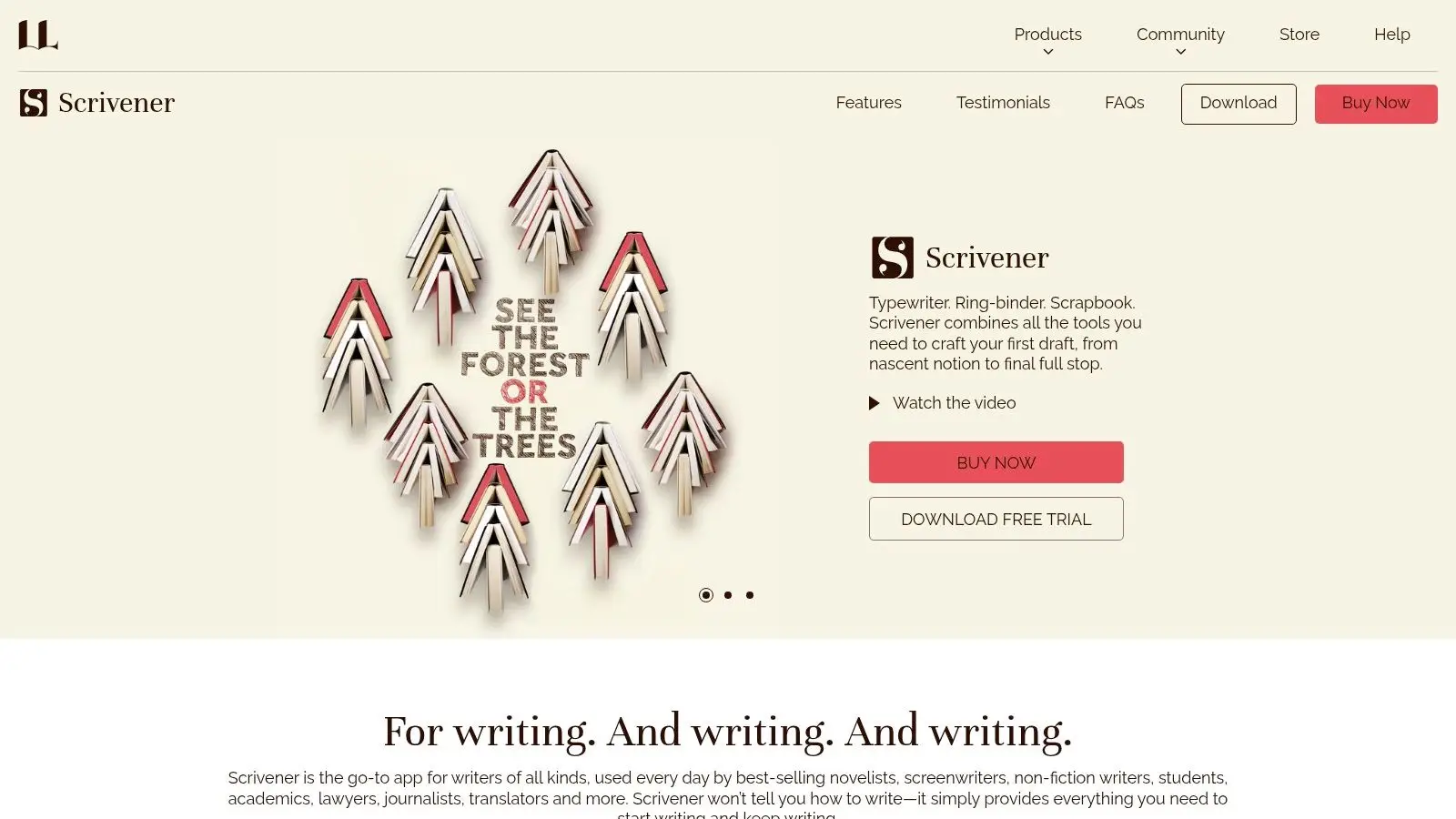
Scrivener is still the heavyweight desktop choice for long-form writing. It has survived countless waves of newer writing apps because it solves a problem many web tools only partially address. It gives authors deep structural control over large projects.
The Binder, corkboard, split editor, metadata, snapshots, and compile system are the core of its appeal. Once you learn them, Scrivener can handle sprawling manuscripts, research-heavy nonfiction, and complicated revision workflows with remarkable flexibility.
Why people still swear by it
Scrivener rewards writers who like to build and rearrange a book piece by piece. Scene cards, nested folders, labels, status markers, and snapshots make revision more precise than what you get from most browser editors.
The cost of that power is friction. Scrivener has a learning curve, collaboration isn't native in the way cloud tools handle it, and there is no full-featured web app. If you work with a team or switch devices constantly, you'll feel those limits quickly.
A few honest takeaways:
- Excellent for complex solo projects: Especially strong for nonfiction and research-heavy books.
- Less ideal for cloud-native collaboration: External tools do more of the sharing work.
- Worth it if you like local control: Many writers still prefer owning project files outright.
Scrivener remains one of the best tools for writers who want depth more than convenience.
Website: Scrivener
10. yWriter
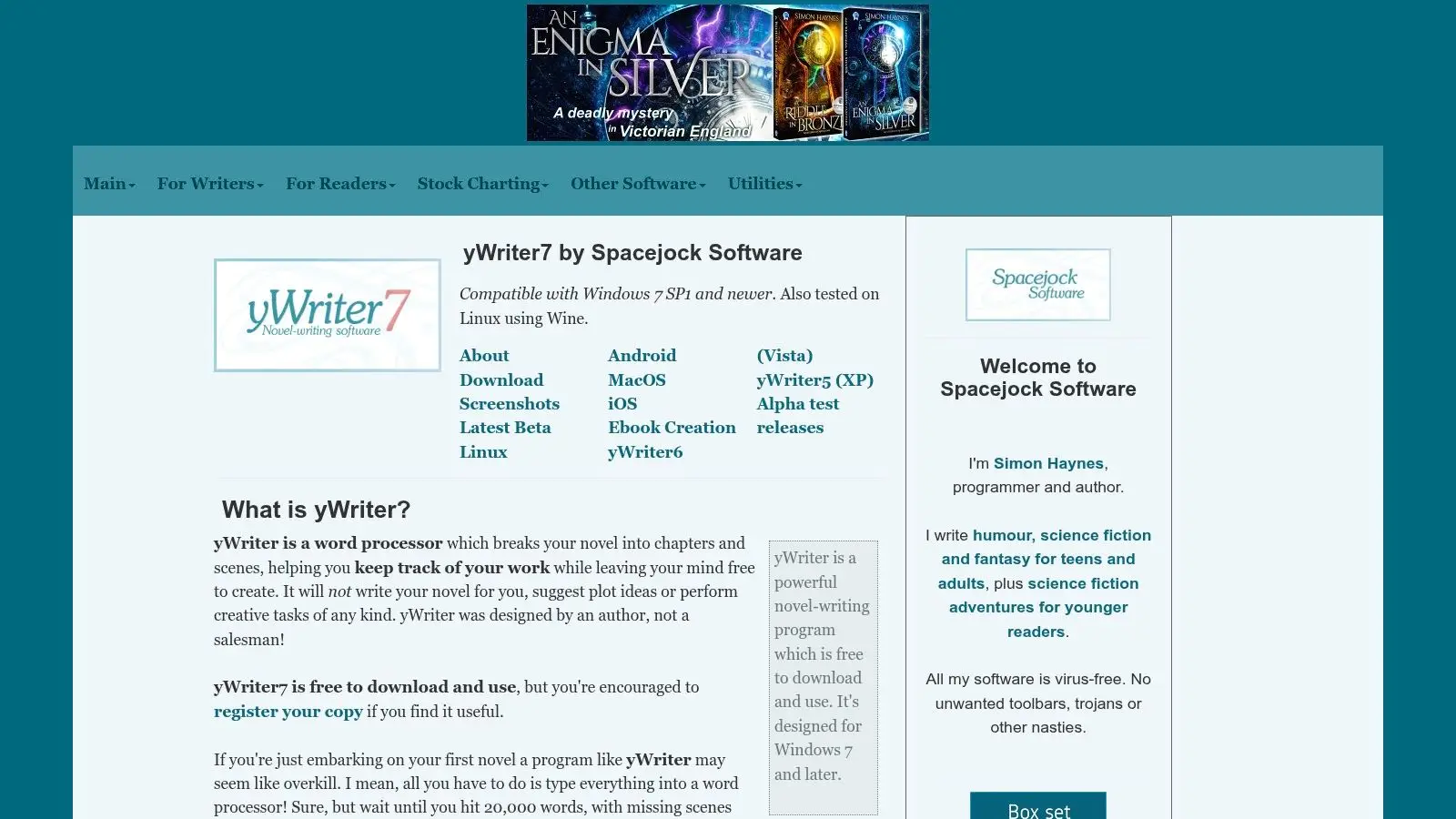
yWriter is the budget pick, and it knows exactly what it is. It's a lightweight Windows desktop program that breaks novels into chapters and scenes, tracks characters and locations, and keeps the interface functional instead of pretty.
For some writers, that's perfect. If you care more about scene structure and local files than modern design, yWriter still offers a lot of value.
Who it suits
yWriter is best for writers who want offline control and a scene-based approach without paying for a subscription. It has been around long enough to prove that a tool doesn't need a sleek interface to help people finish books.
Its limitations are predictable. The design feels utilitarian, the workflow is Windows-centric, and syncing across devices takes more effort than cloud-first platforms. If convenience matters more than control, you'll probably get frustrated.
One larger context matters here. In the writing software market, a freemium or free starting point remains important because many personal users begin with free versions and only upgrade when they need advanced features such as deeper analysis or specialized checks. That pattern helps explain why tools like yWriter remain relevant, even as more polished platforms compete for the same writers.
If you're weighing free and paid options more broadly, this roundup of book writing software authors should actually use can help you decide when free is enough and when it becomes false economy.
Website: yWriter
Top 10 Writing Tools, Feature Comparison
| Product | Core features | UX & quality | Price / Value | Target audience & USP |
|---|---|---|---|---|
| Storyloft 🏆 | Long-form editor, Eddy in‑doc AI, illustration suite, cover studio, ISBN/export ✨ | ★★★★☆, manuscript‑centric, role-based collab, steeper learning curve | 💰 Free (5k words) + credits/subs; transparent model | 👥 Authors wanting an all‑in‑one draft→publish hub; ✨consolidated workflow + privacy (no training) |
| Reedsy Studio | Browser editor, real‑time collab, boards, one‑click EPUB/PDF export | ★★★★☆, clean output, easy onboarding | 💰 Free core; paid add‑ons available | 👥 Authors needing professional typesetting & collaboration; ✨one‑click clean exports |
| Dabble | Plot Grid, goals/streaks, focus mode, cloud sync, co‑authoring | ★★★★☆, intuitive, distraction‑free | 💰 Subscription (tiered) | 👥 Fiction writers focused on plotting; ✨visual Plot Grid + progress tracking |
| Novlr | Minimal editor, goals/stats, EPUB export, ProWritingAid option | ★★★★☆, stable, minimal UI, public roadmap | 💰 Free (2 projects); paid plans for unlimited/features | 👥 Writers who want a simple, reliable editor; ✨transparent roadmap & stability |
| LivingWriter | Templates (Hero's Journey), element management, AI images, autosave | ★★★★☆, organized story elements; occasional bugs reported | 💰 Subscription (trial available; marketing ≈$15/mo) | 👥 Authors & screenwriters wanting templates + AI art; ✨built‑in story templates |
| Plottr (Pro) | Drag‑drop timelines, series bible, auto outlines, export to Word/Scrivener | ★★★★☆, fast visual planning | 💰 One‑time desktop or Pro subscription for cloud/collab | 👥 Outliners & series authors; ✨visual timelines & continuity tools |
| Campfire Write | Manuscript editor + deep worldbuilding (maps, languages, timelines) | ★★★★☆, powerful but feature‑dense | 💰 Free tier; paid modules and upgrades | 👥 Worldbuilding‑heavy SF/F authors; ✨connected worldbuilding modules |
| Atticus | Write + professional formatting, preset themes, front/back‑matter checks | ★★★★☆, strong formatting, basic editor | 💰 One‑time purchase (lifetime updates) | 👥 Indie authors wanting pro formatting without hiring a formatter; ✨one‑app design→export |
| Scrivener | Binder/corkboard, split editor, snapshots, deep compile/export options | ★★★★★, extremely capable; steeper learning curve | 💰 One‑time license per platform; 30‑day trial | 👥 Research‑heavy/complex projects; ✨deep structural control & local ownership |
| yWriter | Scene/chapter breakdown, reports, daily counts, TTS; mobile companions | ★★★☆☆, utilitarian, lightweight | 💰 Free (donation‑supported) | 👥 Budget‑conscious authors preferring offline control; ✨free, scene‑centric workflow |
Making Your Choice From List to Launchpad
A writer finishes a good drafting session, then spends the next hour hunting for notes, fixing formatting, and checking which file is current. That is usually the selection problem. The right platform removes the specific friction that slows your next session, not the one with the longest feature list.
The fastest way to choose from this list is to sort by primary job first. Storyloft and Reedsy Studio suit writers who want an all-in-one setup. Dabble, Novlr, and LivingWriter fit drafting-first workflows. Plottr and Campfire Write serve planning and worldbuilding. Atticus handles formatting and production. Scrivener and yWriter work well for authors who want stronger file control, deeper structure, or a lower-cost offline-leaning setup.
That functional split matters more than feature count.
If your main problem is fragmentation, an all-in-one platform can save real time. Storyloft is the clearest example in this group because it keeps drafting, revision, visuals, cover work, and export in one place. Writers widely use AI for ideation, but many still want human judgment in the final pass. In practice, that means AI is most useful when it supports the manuscript instead of steering it.
If plotting is the bottleneck, choose a tool built around structure. Dabble gives you a lighter drafting environment with planning support. Plottr is stronger if your process starts with timelines, series continuity, and visual mapping. If formatting is the pain point, Atticus earns its cost quickly. If local ownership, research handling, and granular structure matter most, Scrivener still holds up. If cost is the first filter, yWriter remains a practical option. If your book depends on lore, geography, cast relationships, or invented systems, Campfire Write is better matched to that workload.
Budget and technical comfort usually decide the final choice. I have seen writers lose weeks forcing themselves into a powerful tool they never fully learn, and I have seen others outgrow a simple app in one project. A modular stack can be cheaper at first, but it often adds file sprawl, duplicate exports, and more context switching. An integrated setup costs more up front in some cases, but it reduces handoffs.
There is also a public-facing angle. Your manuscript system often feeds your author site, sample chapters, reader magnets, and visual assets. That overlap is why some writers prefer a platform that keeps more of the creative process under one roof. If you're also planning the public side of your work, this developer's guide to portfolio sites is a useful reference for building a clean author presence.
Use a simple test before you commit. Draft one chapter. Build one outline. Export one finished sample. That trial will tell you more than any feature page, because the right writing platform makes tomorrow's session easier to start and easier to finish.
If you want one place to draft, revise, organize notes, generate visuals, design covers, and export a finished book, Storyloft is the most complete option in this list. Start with the free tier, move a real chapter into it, and check whether a manuscript-centered workflow leaves you with less tool management and more writing time.