
Skip to content
Storyloft owl emblem and Storyloft wordmark
  • Product
    Platform
    • All-in-One Author PlatformWrite, organize, design, format, and publish in one workspace.
    • All Book Writing FeaturesExplore Storyloft’s complete author toolset.
    Write & Edit
    • Manuscript EditorDraft and revise long-form books in an author-first editor.
    • Eddy AI Book EditorGet manuscript-aware developmental feedback in context.
    • Worldbuilding SoftwareConnect characters, lore, timelines, and canon to the manuscript.
    Create & Publish
    • AI Book IllustrationCreate consistent characters and manuscript artwork.
    • Book Formatting SoftwareTurn your manuscript into print-ready PDF and EPUB.
    • Print Book FormattingControl trim, gutters, margins, page numbers, and print layouts.
    • AI Infographic GeneratorBuild book-ready diagrams and visual explanations.
    One platform from first draft to finished book. See how Storyloft connects the complete author workflow.
    Explore all features →
  • For Authors
    By Writing Type
    • Fiction & Book AuthorsA connected workspace for drafting, organizing, revising, and finishing books.
    • Nonfiction AuthorsResearch, sources, citations, long-form organization, and publishing.
    • WorldbuildersManage characters, locations, lore, timelines, and continuity with the manuscript.
    By Publishing Workflow
    • Self-Publishing AuthorsKeep writing, editing, design, formatting, and publishing preparation connected.
    • Indie Book FormattingPrepare polished interiors, ebooks, and publishing-ready exports.
    • Compare Writing SoftwareSee how Storyloft compares with common author writing and formatting tools.
  • Learn & Get Help
    • Author Knowledge CenterResearched answers about writing, publishing, ISBNs, AI, and copyright.
    • Responsible AI for AuthorsLearn about Storyloft perspective on AI policy and creative freedoms for authors.
    • Storyloft TutorialsOfficial step-by-step instructions for using the app.
    • Writing & Publishing GuidesPractical guides for authors from drafting through publication.
    • Storyloft FAQQuick answers about the platform, workflow, and publishing.
    Compare & Download
    • Writing Software ComparisonsCompare Storyloft with Scrivener, Atticus, Vellum, and more.
    • Download StoryloftGet Storyloft for Mac or Windows.
    • About StoryloftLearn what Storyloft is, who it is for, and how the platform is built for authors.
  • Free Tools
  • Pricing
  • Log In
  • Start Writing Free

Amazon

  • Home
  • Blog
  • Amazon
  • Page 2
KDP

KDP Paperback Margin & Gutter Calculation Guide (Fix Print Errors)

July 26, 2026 No comments yet

Struggling with KDP print rejections? This guide covers 2026 dynamic gutter requirements, bleed settings, and Live Element Margin fixes to help you publish your book successfully.
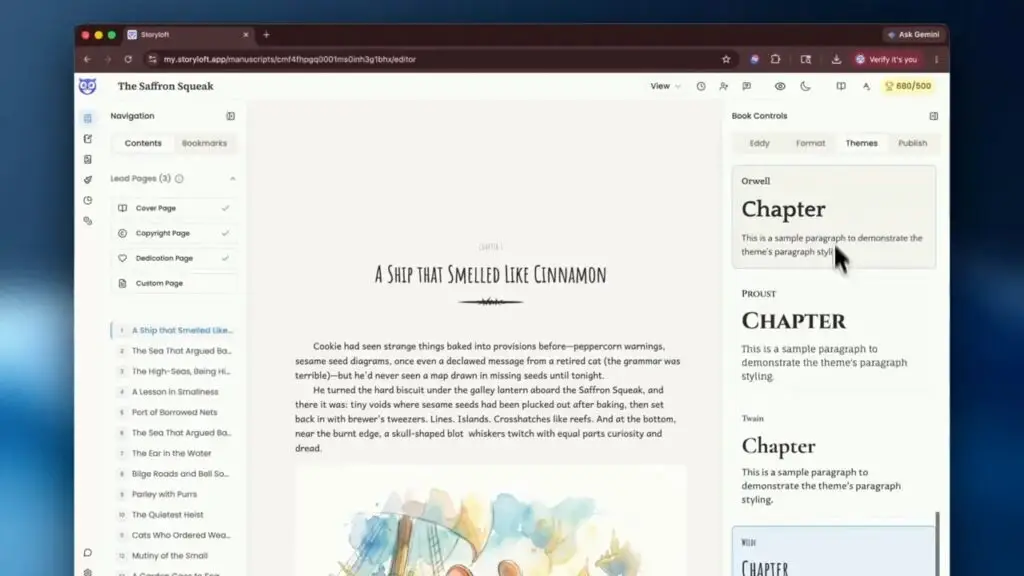
Storyloft editor showing a book page with a right sidebar of chapter heading style options
Book Formatting & Publishing, KDP

How to Format and Export Your Book for Amazon KDP, IngramSpark, and Ebook Platforms

July 12, 2026 Eddy No comments yet

When your manuscript is finished, the next hurdle is usually formatting. That is where a lot of authors get stuck. Print books need the right trim size, margins, front matter, and high resolution images. Ebooks need clean structure, a cover, and a file that behaves properly across reading apps and devices. The good news is […]
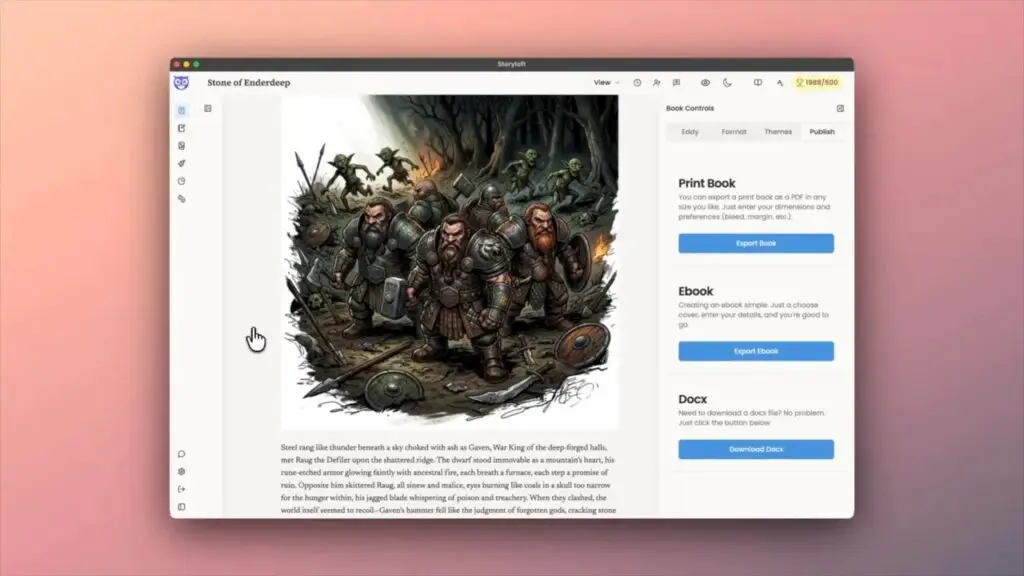
Manuscript page with a large fantasy illustration and formatting controls on the right
Amazon, Book Formatting & Publishing, KDP

1-Click KDP Formatting Secret: How I Set Up a Print-Ready Book PDF in Storyloft

July 12, 2026 Eddy No comments yet

Getting a manuscript ready for print is where a lot of authors suddenly discover that writing the book and publishing the book are two very different jobs. Words on a page are only part of it. Print publishing asks for trim size, margins, bleed, chapter placement, headers, image quality, and a final PDF that will […]

KDP

How to Master Paperback Formatting for KDP: A Step-by-Step Guide

July 10, 2026 Eddy No comments yet

How to Master Paperback Formatting for KDP: A Step-by-Step Guide Key Takeaways Mastering KDP paperback formatting transforms your manuscript into a professional-looking book without expensive software or design expertise. Here’s what you need to know: • Standard 6″x9″ trim size works for most genres, but verify dimensions match reader expectations in your category before finalizing […]

KDP

How to Self Publish on Amazon: Tips for Getting KDP Approval Fast

July 10, 2026 Eddy No comments yet

How to Self Publish on Amazon: Tips for Getting KDP Approval Fast Key Takeaways Publishing on Amazon KDP offers incredible opportunities—70% royalties on e-books, 60% on paperbacks, and access to millions of readers worldwide—but success requires careful attention to technical requirements and quality standards. • Professional editing is non-negotiable: Budget around $1,500 for copyediting a […]
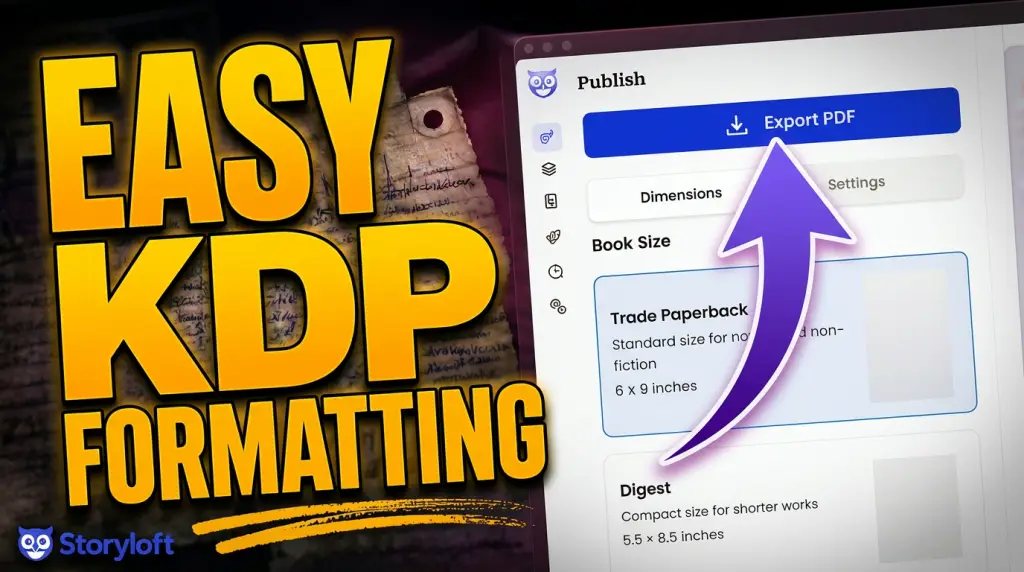
How to format your book for Print
Amazon, Book Formatting & Publishing, KDP

How to Format a Book for Print: A Walkthrough for KDP, IngramSpark, and Beyond in 2026

June 9, 2026 Eddy No comments yet

Mark Twain was a trained typesetter before he was a novelist. He knew the machinery of bookmaking better than almost any author alive. And it nearly destroyed him. Here’s why that matters for the book you’re about to print — and how I built Storyloft so it never happens to you. The author who tried […]
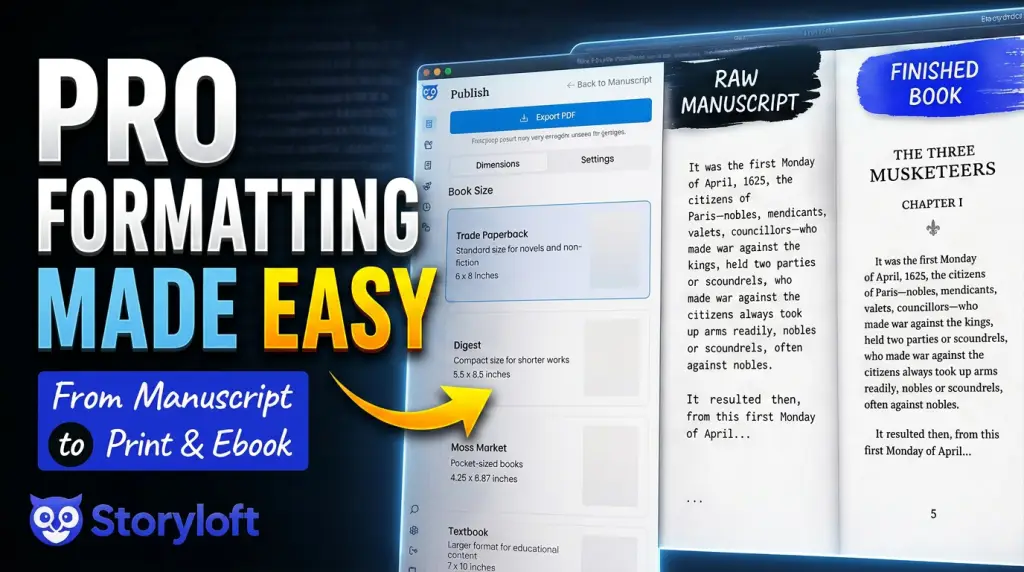
Learn to format your book for print easily and professionally
Amazon, Book Formatting & Publishing, KDP

How to Format a Book for Print and Ebook (No Typesetter)

June 9, 2026 Eddy No comments yet

Formatting is where a lot of finished manuscripts stall. You wrote the book. Now you’re staring down indentation rules, justification, mirrored margins, trim sizes, and bleed — the kind of typesetting work that usually means hiring a layout specialist or wrestling with desktop publishing software. Storyloft removes that step. You pick the look you want, […]
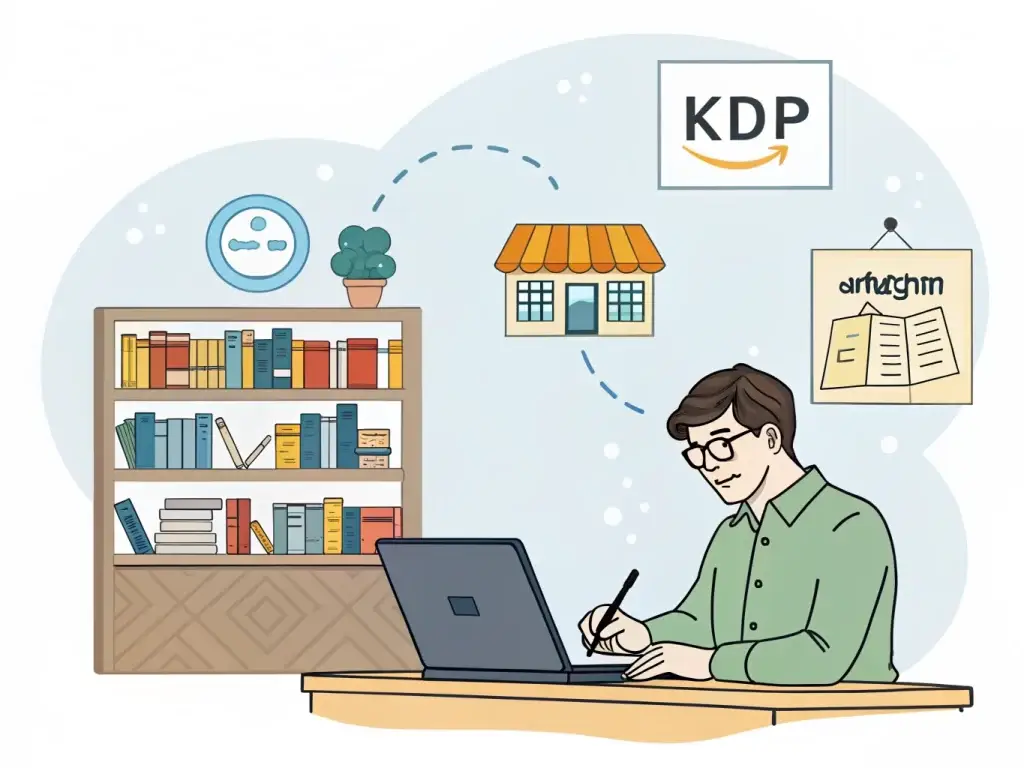
Amazon, KDP

Is Storyloft the New KDP?

May 28, 2026 Eddy No comments yet

Understanding the Differences Between Storyloft and Amazon KDP If you’ve seen people asking “Is Storyloft the new KDP?” or “Is Storyloft replacing Kindle Direct Publishing?”, the short answer is: No — Storyloft is not a replacement for KDP. But it does solve many of the problems authors face before they publish to KDP. That distinction […]

Posts pagination

Previous 1 2

Search

Categories

  • AI Writing Tools (78)
  • Amazon (14)
  • Author Productivity & Scaling (35)
  • Author Profiles (10)
  • Author Success (186)
  • Book Formatting & Publishing (50)
  • Fiction (9)
  • Fiction (17)
  • KDP (8)
  • Non Fiction (14)
  • Non Fiction (12)
  • Uncategorized (119)
  • versus (11)
  • Writing Guides (60)
  • Writing Productivity (63)
  • Writing Tools (84)

Recent posts

  • Character vs Self Conflict Explained with Examples
  • How to Write an Unreliable Narrator Readers Believe
  • What Is Man vs Nature Conflict and Why It Still Matters

Tags

AI for authors AI writing tools Author advice Author representation Author Resources Author Tips Author Tools Book outlining tips Book Publishing Book Writing Process Chapter Structure Character development Creative Writing Creative writing process Creative Writing Tips Creative Writing Tools Fiction writing Literary agents Literary Agent Search Narrative Structure Nonfiction Writing Tips Novel outlining Novel Planning Novel writing Novel writing app Novel Writing Tips Plot Development Publishing industry Self-Publishing Guide Self-Publishing Tips Self-publishing tools Self Publishing Selling books online Story development Storyloft Story Structure Storytelling Techniques Writing process Writing productivity Writing software Writing Strategies Writing techniques Writing Tips Writing Tips for Beginners Writing tools
Storyloft Book Writing Software for Authors

One connected platform for the whole book.

Storyloft is an all-in-one book writing and publishing platform built for authors. Plan, write, research, revise, work with manuscript-aware AI, build fictional worlds, create illustrations and covers, format print books and ebooks, and prepare publication-ready files without stitching together a pile of disconnected software.

Plan → Write → Research → Revise → Design → Format → Publish
Start Writing Free → View Storyloft Pricing Free to start. No credit card required.
Popular Author Questions

Looking for a specific answer?

  • What is Storyloft? →
  • How do I use Storyloft? →
  • Do I need an ISBN to self-publish? →
  • How long should my book be? →
  • How long does self-publishing take? →
  • Is my manuscript private with Storyloft? →
  • Do authors need to disclose AI use? →

Storyloft Platform

Explore the tools that carry a book from first idea to finished file.

  • All-in-One Author Platform
  • Book Writing App for Authors
  • AI Writing Assistant & Book Editor
  • Worldbuilding Software & Lore
  • AI Book Illustration
  • Charts & Data Visualization
  • Automatic Book Formatting
  • Print Book Formatting
  • View All Storyloft Features

Learn Storyloft

Official product help, training, downloads, and company information.

  • Storyloft Tutorials & Training
  • Storyloft Knowledge Center
  • Responsible AI for Authors
  • Storyloft FAQs
  • Download Storyloft for Mac & Windows
  • Pricing & Plans
  • About Storyloft
  • Storyloft Blog
  • Contact Storyloft

Writing & Publishing Guides

Practical guidance for writing better books and getting them published.

  • Writing Craft & Author Knowledge
  • Self-Publishing Fundamentals
  • The Book Publishing Process
  • AI, Copyright & Legal Guides
  • Writing Guides by Genre
  • How to Write a Romance Novel
  • How to Write a Fantasy Novel
  • How to Write a Nonfiction Book
  • How to Write a Mystery or Thriller

Tools & Comparisons

Plan your book for free or compare Storyloft with popular author software.

  • Free AI Book Outline Generator Free Tool
  • Compare Book Writing Software
  • Storyloft vs. Atticus
  • Storyloft vs. Scrivener
  • Storyloft vs. Vellum
  • Storyloft vs. Novelcrafter
  • Storyloft vs. Sudowrite
  • Storyloft vs. Google Docs
  • Storyloft vs. Microsoft Word
Official Documentation

Need help with a specific Storyloft feature?

All Tutorials Formatting World Builder Illustrations & Covers

© 2026 Storyloft, Inc. All rights reserved. Storyloft Trademark Pending.

Terms of Service Privacy Policy Contact