Authors App: Finding the Right Writing Tool in 2026
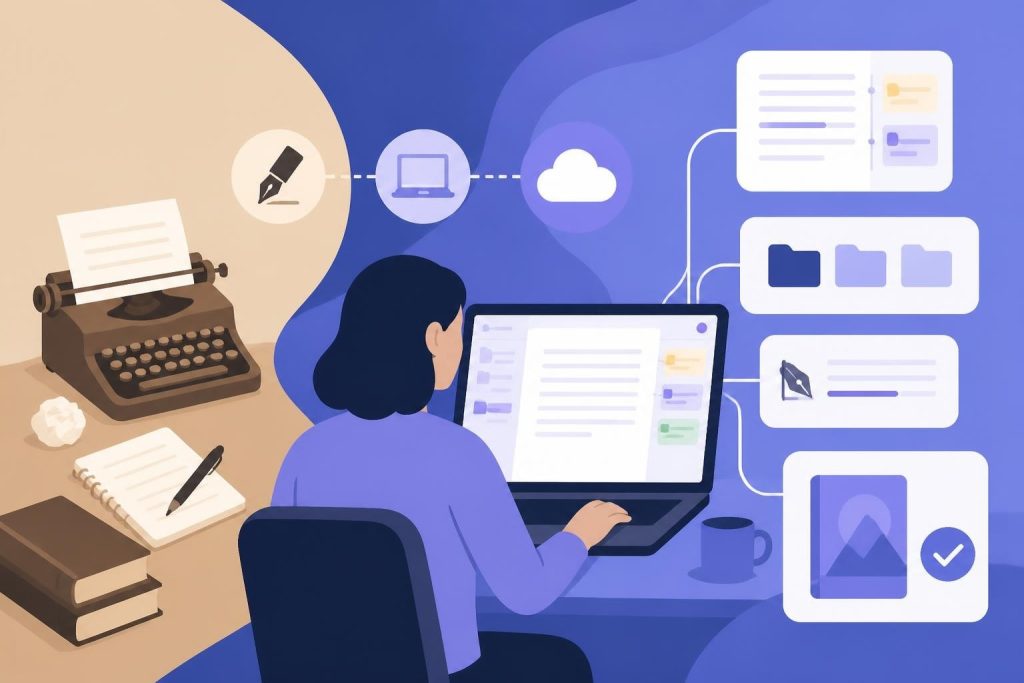
Finding the right authors app can feel like searching for a needle in a haystack. There are hundreds of writing tools out there, each promising to make your life easier. Some focus on drafting, others on organization, and a few try to do everything at once. The real challenge isn't just picking an app. It's finding one that fits how you actually write, not how some developer thinks you should write. Whether you're working on your first novel or your tenth nonfiction book, the tool you choose can either support your creative process or get in the way of it.
What Makes an Authors App Different from Regular Writing Software
Not every writing tool is built for book-length projects. Word processors like Microsoft Word or Google Docs work fine for short documents, but they start struggling when you're managing 80,000 words across multiple chapters. An authors app is specifically designed to handle the unique challenges of book writing.
The best authors app includes features that matter to people writing long-form content. You need chapter organization, character tracking for fiction, research management for nonfiction, and the ability to move scenes around without losing your mind. These aren't fancy extras. They're essential tools that keep your manuscript from becoming a tangled mess.
Core Features Every Authors App Should Have
When you're evaluating different options, here's what to look for:
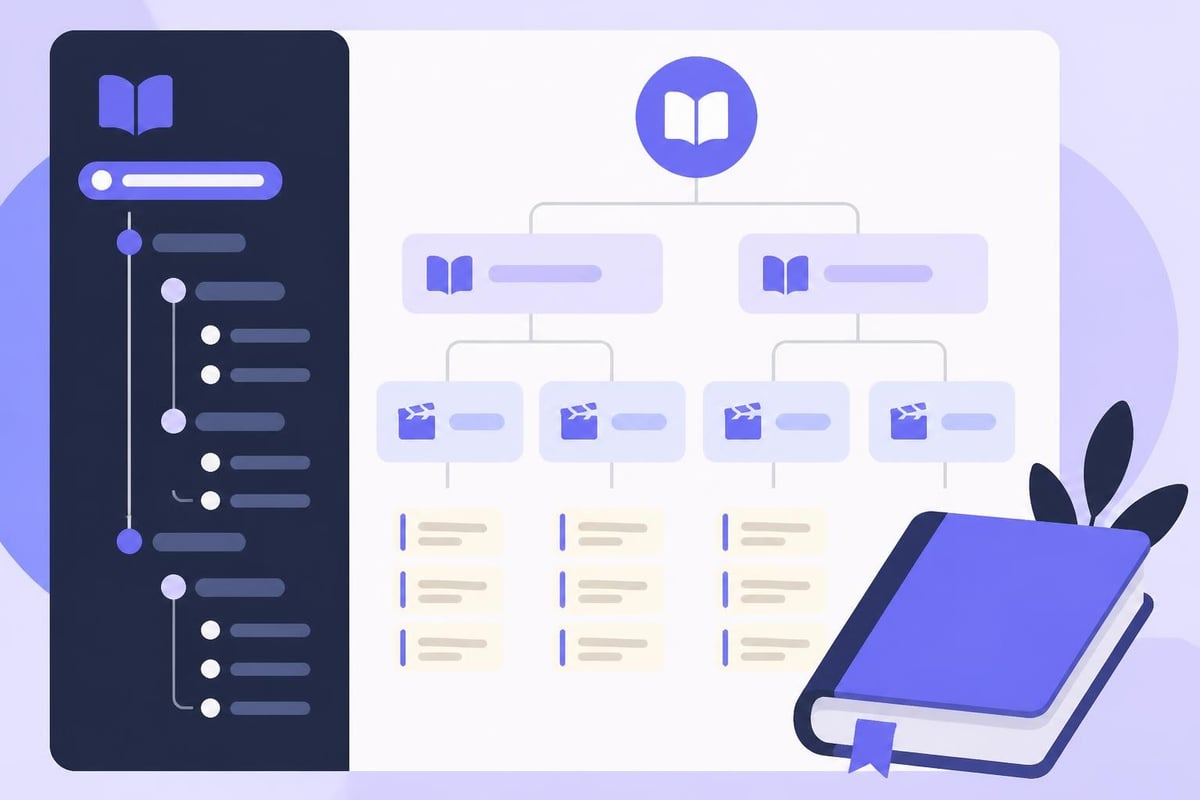
- Manuscript organization that lets you see your entire book structure at a glance
- Flexible writing modes for drafting, editing, and revision
- Export options that produce professional files for publishing
- Backup and sync so you never lose your work
- Distraction-free writing when you need to focus
Many writers also want research tools, timeline tracking, and version history. The key is finding an authors app that includes what you'll actually use without overwhelming you with features you'll ignore.
The Evolution of Writing Tools for Authors
Writing software has come a long way since the days of basic text editors. Early digital writing tools were just glorified typewriters. Then came Scrivener in 2007, which introduced the idea of treating your manuscript as a collection of movable parts instead of one long document.
That shift changed everything. Writers could finally rearrange chapters, keep research notes alongside their writing, and export to multiple formats without reformatting everything manually. Other developers took notice, and the market for specialized writing software exploded.
Now in 2026, we're seeing another big shift. Modern authors apps are integrating AI assistance, professional formatting, and publishing tools into single platforms. Instead of juggling five different programs, you can write, edit, format, and publish from one place.
What Writers Actually Need vs. What Apps Offer
There's often a gap between what developers think writers want and what we actually need. Some apps load up on bells and whistles that look impressive in demos but slow you down during actual writing sessions.
| Feature Type | Actually Helpful | Usually Overkill |
|---|---|---|
| Organization | Chapter folders, drag-and-drop scenes | Complex tagging systems, endless customization |
| Writing Tools | Word count goals, focus mode | Pomodoro timers, ambient sounds |
| Editing | Style checking, consistency tracking | Grammar overrides, rigid rules |
| Publishing | One-click formatting for KDP | Built-in cover design, marketing automation |
The best authors app strikes a balance. It gives you powerful tools without requiring a PhD to use them.
AI Integration in Modern Writing Apps
AI is probably the biggest change in writing software over the past few years. But not all AI features are created equal. Some tools try to write your book for you, which most serious authors find pretty useless. Others offer smart assistance that actually helps.
The difference comes down to respect for your voice. A good AI editor in an authors app should act like a writing partner, not a replacement. It might flag pacing issues, catch consistency problems, or suggest stronger word choices. But it shouldn't try to rewrite your sentences in some generic style.
How AI Can Support Your Writing Process
When AI is done right, it saves you time on the tedious stuff so you can focus on creativity. Here's what actually works:
- Spotting repeated words or phrases you didn't notice
- Identifying scenes that drag or rush through important moments
- Catching continuity errors in character details or plot points
- Suggesting alternatives when you're stuck on phrasing
Some writers worry that using any AI makes their work less authentic. That's a valid concern, especially with AI-free tools that support real writing gaining attention. The key is finding an authors app where AI serves as an optional assistant, not a required component.
If you want to learn more about how AI fits into the modern author's toolkit, our guide on AI tools for writing breaks down the different approaches and what works best for different writing styles.
Formatting and Publishing Features
Writing your book is only half the battle. Getting it formatted properly for publication is where many authors hit a wall. Traditional publishing handles this for you, but if you're going the indie route, you need tools that produce professional results.
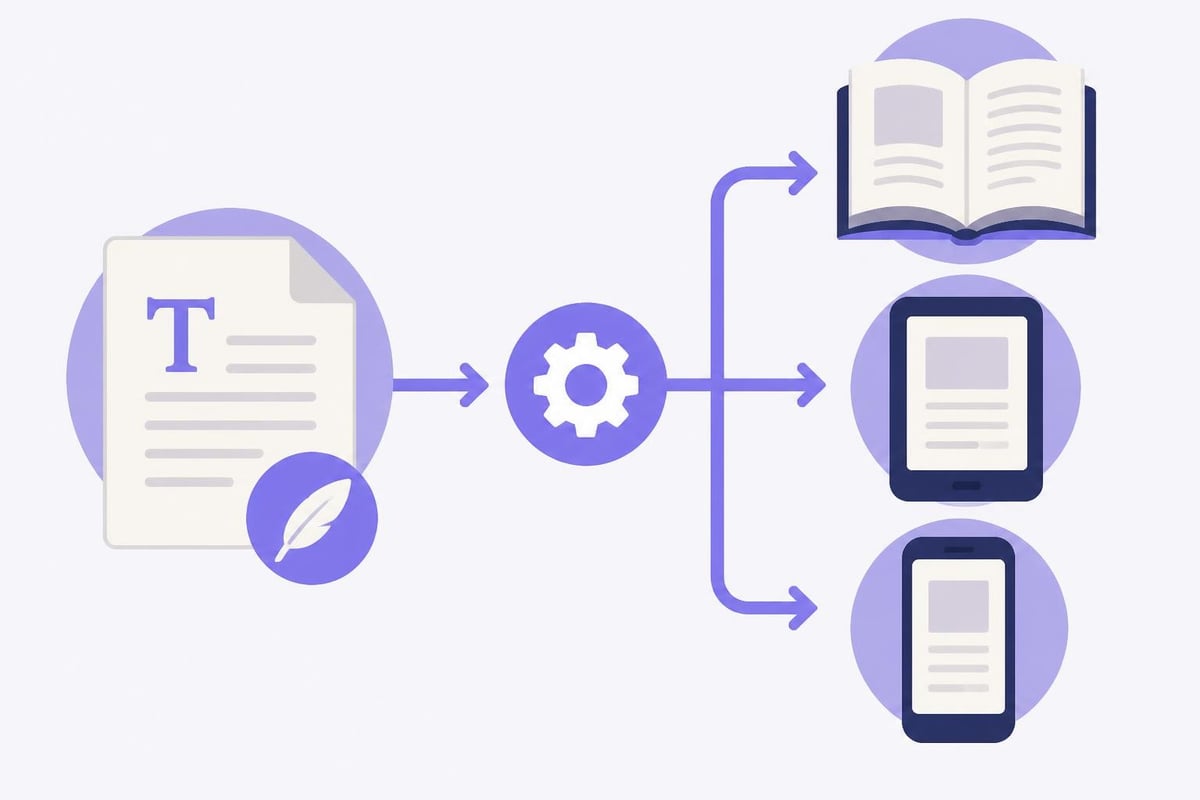
An authors app with integrated formatting saves you from expensive software or hiring a formatter. You should be able to export print-ready PDFs for paperback and hardcover, plus ebook files for digital platforms. The formatting should handle all the fiddly details like margins, headers, chapter breaks, and front matter automatically.
Publishing Platform Requirements
Different publishing platforms have different requirements. Amazon KDP wants specific file types and formatting. IngramSpark has its own rules. A good authors app knows these requirements and exports files that meet them without manual tweaking.
You'll also want flexibility in trim sizes, fonts, and layout options. Your memoir shouldn't look the same as a thriller, and your authors app should let you customize the design while maintaining professional standards.
For authors navigating the publishing landscape, understanding the differences between platforms is crucial. Our comparison of KDP vs IngramSpark can help you choose the right distribution strategy.
Choosing Between Cloud-Based and Desktop Apps
This is one of the first decisions you'll face when picking an authors app. Cloud-based tools let you write from anywhere and sync across devices. Desktop apps often run faster and work offline. Neither is automatically better. It depends on how you work.
Cloud apps are great if you write on multiple devices or collaborate with editors. Everything stays in sync, and you can access your manuscript from your laptop, tablet, or phone. The downside is you need internet access, and some writers worry about data security.
Desktop apps give you more control and better performance, especially with large manuscripts. They work without internet, which some writers prefer. But you're tied to one device unless the app includes its own sync system.
What About Mobile Writing?
Some authors apps include mobile versions, but writing long-form content on a phone is rarely practical. Mobile apps are better for quick edits, adding research notes, or reviewing sections on the go. Don't choose an authors app based on mobile features unless you genuinely plan to do significant writing on a small screen.
| App Type | Best For | Watch Out For |
|---|---|---|
| Cloud-Based | Multi-device access, collaboration | Internet dependency, subscription costs |
| Desktop | Performance, offline work | Device limitations, manual backups |
| Hybrid | Flexibility, peace of mind | Complexity, potential sync issues |
Integration with Your Writing Workflow
Your authors app doesn't exist in isolation. It needs to play nice with the other tools in your creative process. Maybe you use Scrivener for outlining but want a different tool for final formatting. Or you draft in a simple text editor but need robust editing features later.
The ability to import and export files in standard formats matters more than most people realize. If your authors app locks you into a proprietary file format, you're stuck if you ever want to switch tools. Look for apps that support Word documents, plain text, and industry-standard ebook formats.
Some writers also want integration with research tools, bibliography managers, or project management apps. These connections can streamline your process, but they add complexity. Think about what you'll actually use before getting excited about integration features.
The Real Cost of Switching Tools
Changing your authors app mid-project is painful. You'll spend time reformatting, reorganizing, and learning a new interface when you should be writing. That's why it's worth taking time to choose carefully upfront, even if it means trying several options first.
Most good writing apps offer free trials or limited free versions. Take advantage of these. Import a chapter or two and see how it feels to actually work in the software. Read reviews from other authors, but remember that everyone's process is different. What works for a plotter writing fantasy might not work for a pantser writing memoir.
For authors exploring their options, checking out the best writing platforms can give you a sense of what's available and how different tools compare.
Genre-Specific Considerations
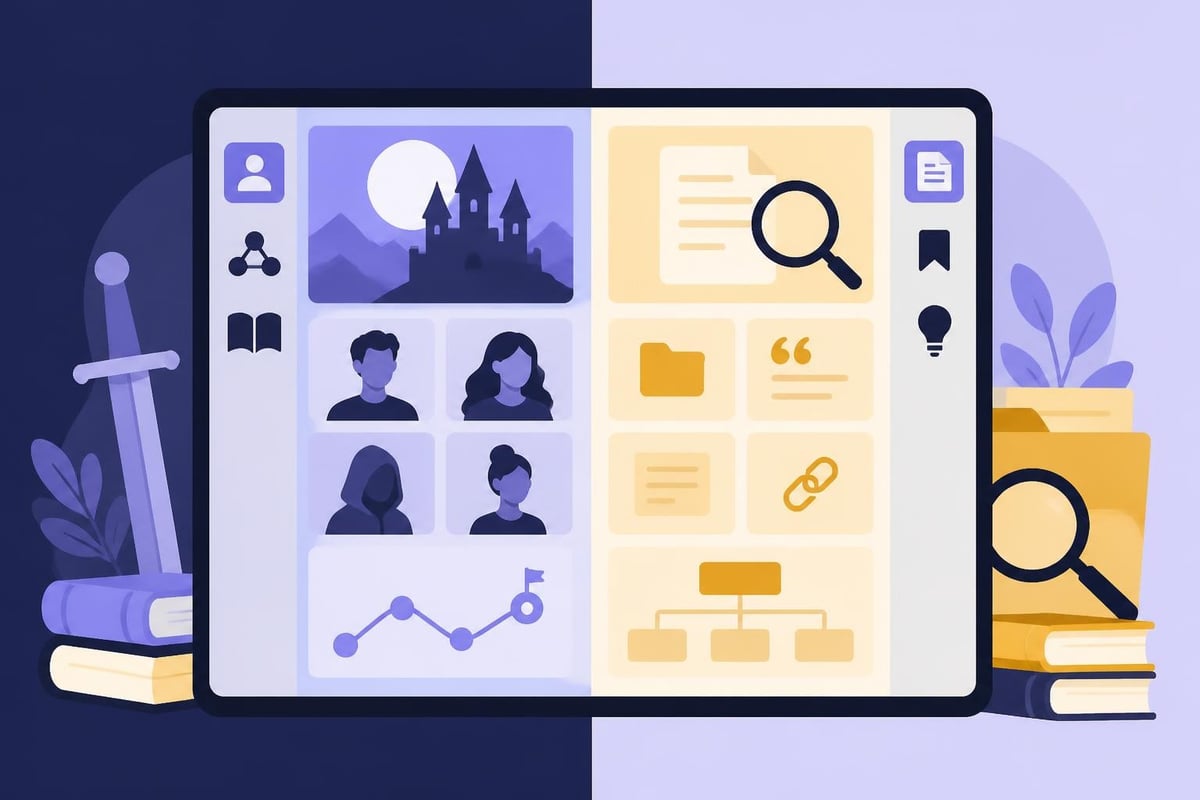
Fiction and nonfiction writers have different needs from an authors app. Fiction writers often want character databases, timeline tools, and world-building features. Nonfiction writers need citation management, source tracking, and outline structures that support argument development.
Some apps try to serve both audiences equally. Others specialize in one or the other. If you write both fiction and nonfiction, you might need an authors app that handles both well, or you might prefer different tools for different projects.
Fiction Writing Features
Novelists benefit from tools that help track complex story elements:
- Character profiles with physical descriptions, backstory, and arcs
- Scene sequencing with drag-and-drop rearrangement
- Multiple timelines for stories with flashbacks or parallel plots
- Location and world-building databases
Mystery and thriller writers might also want clue tracking and red herring management. Fantasy and sci-fi authors often need extensive world-building tools. The best authors app for fiction gives you these without forcing you to use them if you don't need them.
Nonfiction Writing Features
Nonfiction books have their own requirements:
- Research organization with source citations
- Outline structures that support argument flow
- Fact-checking and verification notes
- Bibliography generation
Academic and business writers might need even more specialized features like index creation or footnote management. Memoir writers fall somewhere between fiction and nonfiction, needing some character tools plus research for historical context.
Performance and Reliability
This might sound boring, but it matters a lot. An authors app that crashes, loses your work, or slows down with large files will drive you crazy. Before committing to any tool, check reviews about stability and performance.
How does the app handle manuscripts over 100,000 words? Does it back up automatically? Can you recover previous versions if you accidentally delete something? These aren't sexy features, but they're essential.
Speed matters too. If there's a noticeable delay between typing and seeing words appear on screen, you'll hate using the app. If it takes 30 seconds to open your manuscript, you'll avoid opening it. Small frictions add up to major frustration over time.
Backup and Version Control
Never trust any single system with your only copy of your manuscript. The best authors app includes automatic backups, but you should also maintain your own backup system. Export your work regularly to your computer, cloud storage, or external drive.
Version control lets you see how your manuscript evolved and recover earlier versions if needed. This is incredibly valuable when you cut a scene and then realize three weeks later that you actually need it back.
Support and Community
When you run into problems or have questions, what happens? Some apps have responsive support teams and helpful documentation. Others leave you searching forums for answers from other confused users.
A good authors app includes clear tutorials, a searchable knowledge base, and responsive support. Some also have active user communities where you can ask questions and share tips. These communities can be valuable, but they're not a substitute for good official support.
Before choosing an authors app, test the support system. Send a question and see how long it takes to get a helpful answer. Check if there's documentation for the features you'll use most. Read reviews about other users' support experiences.
Price Models and Value
Authors apps use different pricing models. Some charge one-time fees. Others require monthly or annual subscriptions. A few offer free versions with optional paid upgrades. Each model has pros and cons.
One-time purchases feel good psychologically, but they can lead to outdated software if updates stop. Subscriptions ensure ongoing development but add up over time. Free apps are great until you hit their limitations and need to upgrade anyway.
Think about the total cost over several years. A $300 one-time purchase might seem expensive compared to a $10/month subscription. But that subscription costs $600 over five years. Neither is automatically better. It depends on your budget and how long you'll use the tool.
What You're Actually Paying For
The price of an authors app should reflect its value to your writing process. Consider:
- How much time it saves compared to free alternatives
- Whether it reduces the need for other paid tools
- If it helps you publish faster or more professionally
- The quality and reliability of ongoing support
Don't just pick the cheapest option. Also don't assume the most expensive app is the best. Look at what you get for your money and whether those features match your needs.
If you're budget-conscious, there are solid free book writing apps that might meet your needs, especially when starting out. You can always upgrade later if you need more features.
Making the Final Decision
After researching options and trying demos, how do you actually choose? Start by listing your must-have features. Separate those from nice-to-have features. This helps you avoid getting distracted by cool features you'll never use.
Consider your writing style. Are you a plotter who outlines everything first, or a pantser who discovers the story as you write? Do you revise as you go or draft fast and edit later? Pick an authors app that supports how you naturally work, not one that forces you to change your process.
Think about your publishing goals too. If you're planning to traditionally publish, you mainly need solid writing and organization tools. If you're going indie, formatting and export features become much more important.
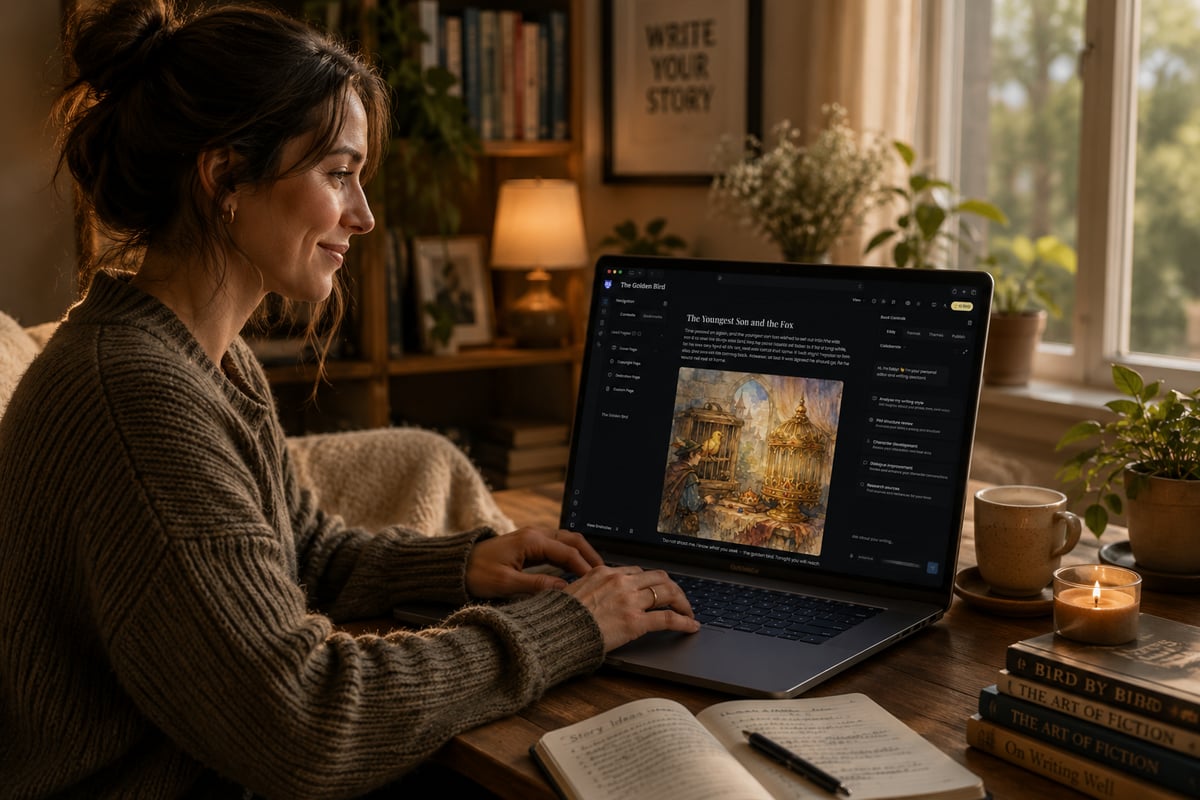
For authors who want everything in one place, Storyloft Book Writing App brings together writing, AI editing, formatting, and publishing tools built specifically for authors. It's designed to handle the complete journey from first draft to published book without jumping between different programs.
Getting Started with Your Chosen App
Once you've picked an authors app, resist the urge to spend weeks setting it up perfectly before you start writing. Import your current project if you have one, or start a new one. Learn the basic features you need right now. You can explore advanced features later when you actually need them.
Many writers make the mistake of getting so caught up in organizing their new tool that they stop making progress on their actual book. Remember, the app is a tool to support your writing, not a substitute for it.
Set up a simple backup routine from day one. Even the best authors app can have problems, and your manuscript is too valuable to risk. A quick weekly export to your computer or cloud storage takes five minutes and could save months of work.
Start small. Write a few chapters in the new app before committing your entire manuscript to it. Make sure it feels good to use and fits your workflow. If something feels off, don't ignore it. Those small annoyances will become big frustrations over time.
The right authors app can make your writing process smoother and help you produce more professional results. It won't write your book for you, but it can handle the technical details while you focus on craft and storytelling. Take time to find a tool that matches how you work, not how you think you should work. If you're looking for a platform that brings together all the tools modern authors need, from AI-powered editing to professional formatting and publishing, check out Storyloft and see how it can support your complete writing journey.