Creating My Own Book: A Complete Guide for Authors
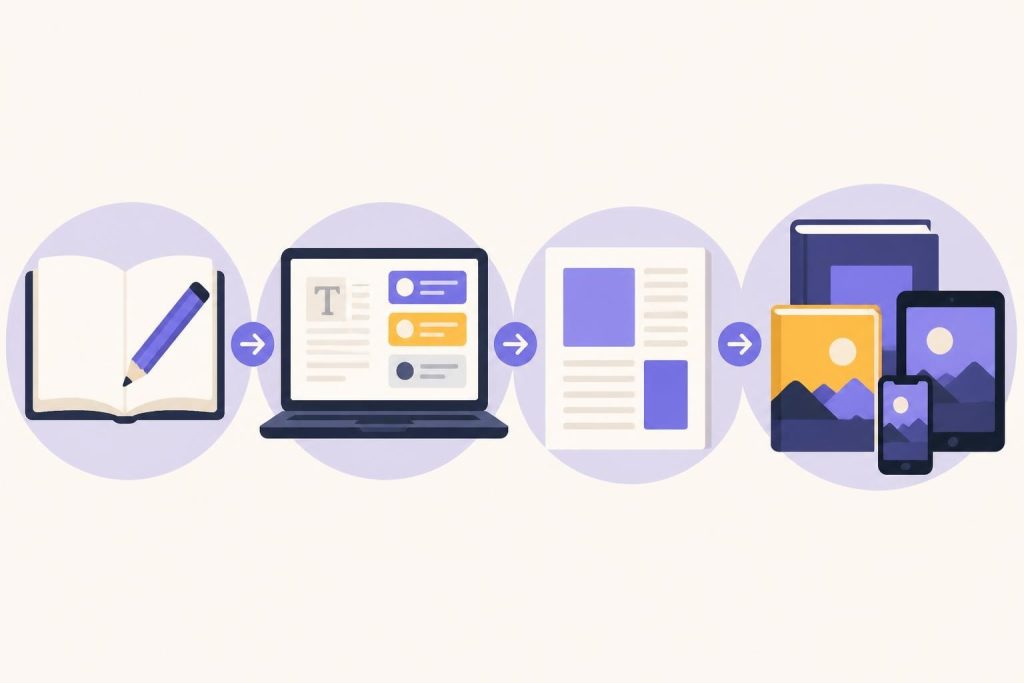
Creating my own book used to mean spending years trying to land a traditional publisher. Now, you can write, edit, format, and publish your book completely on your own terms. Whether you're working on your first novel or a nonfiction guide, the process has become more accessible than ever. But accessible doesn't mean easy. You still need a solid plan and the right tools to turn your manuscript into a professional book readers will love.
Getting Started With Your Book Project
The first step in creating my own book is deciding what story or idea you want to share. This sounds obvious, but it's where many writers get stuck.
Start by answering a few basic questions:
- What genre or category does your book fit into?
- Who's your target reader?
- What makes your book different from others in the market?
- How long do you want your book to be?
These answers shape everything that comes next. A 60,000-word romance novel needs different planning than a 200-page business guide. The self-publishing journey has its own unique considerations compared to traditional publishing.
Setting Realistic Goals and Timelines
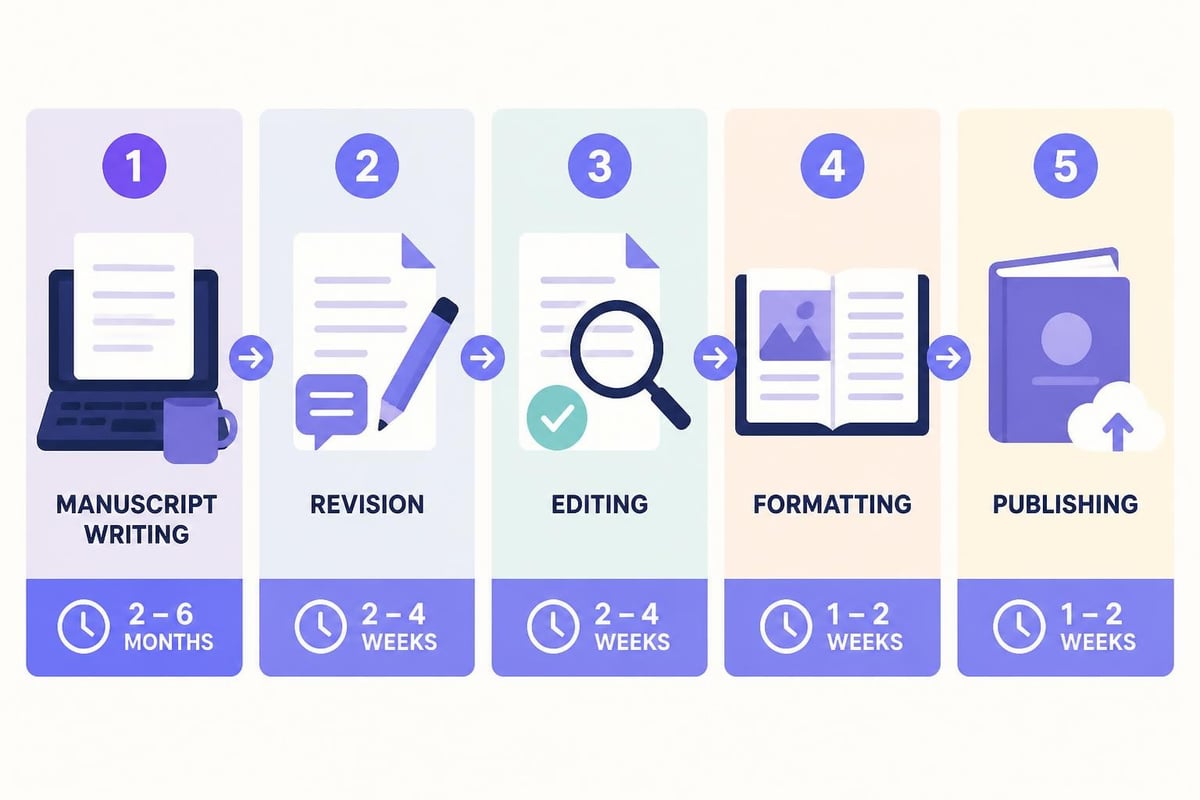
Writing a book takes time. Most authors underestimate how long the process actually takes.
Here's a realistic breakdown:
| Phase | Time Needed | What Happens |
|---|---|---|
| First Draft | 3-6 months | Get your ideas on paper |
| Revisions | 1-3 months | Fix plot holes, improve structure |
| Editing | 1-2 months | Polish your prose, check grammar |
| Formatting | 1-2 weeks | Prepare print and ebook files |
| Publishing Setup | 1-2 weeks | Upload to platforms, set pricing |
These timelines assume you're writing part-time. Full-time writers can move faster, but rushing usually creates more work later.
Writing Your Manuscript
Creating my own book means actually sitting down and writing. This is where dreams meet reality.
The best approach is to write consistently rather than waiting for inspiration. Even 500 words a day adds up to a finished manuscript in three to four months.
Choosing Your Writing Tools
You need software that won't get in your way. Word processors like Microsoft Word work fine for short projects, but longer manuscripts need better organization.
Consider what features matter most:
- Chapter organization so you can navigate easily
- Version control to track changes
- Distraction-free modes to maintain focus
- Export options for different file formats
Many authors jump between multiple apps for writing, editing, and formatting. This creates extra work and risks losing your formatting when you copy and paste between programs. Modern AI tools designed specifically for authors can streamline this entire workflow.
Developing Your Writing Routine
You'll finish your book faster with a regular schedule. Pick a time when your brain works best and protect it fiercely.
Some writers love mornings before work. Others write during lunch breaks or late at night. The timing doesn't matter as much as the consistency.
Track your progress somehow. A simple spreadsheet showing your daily word count keeps you accountable. Seeing your total climb higher each week provides real motivation when the middle of your book feels like quicksand.
Editing and Revising Your Work
Your first draft won't be perfect. That's completely normal and expected.
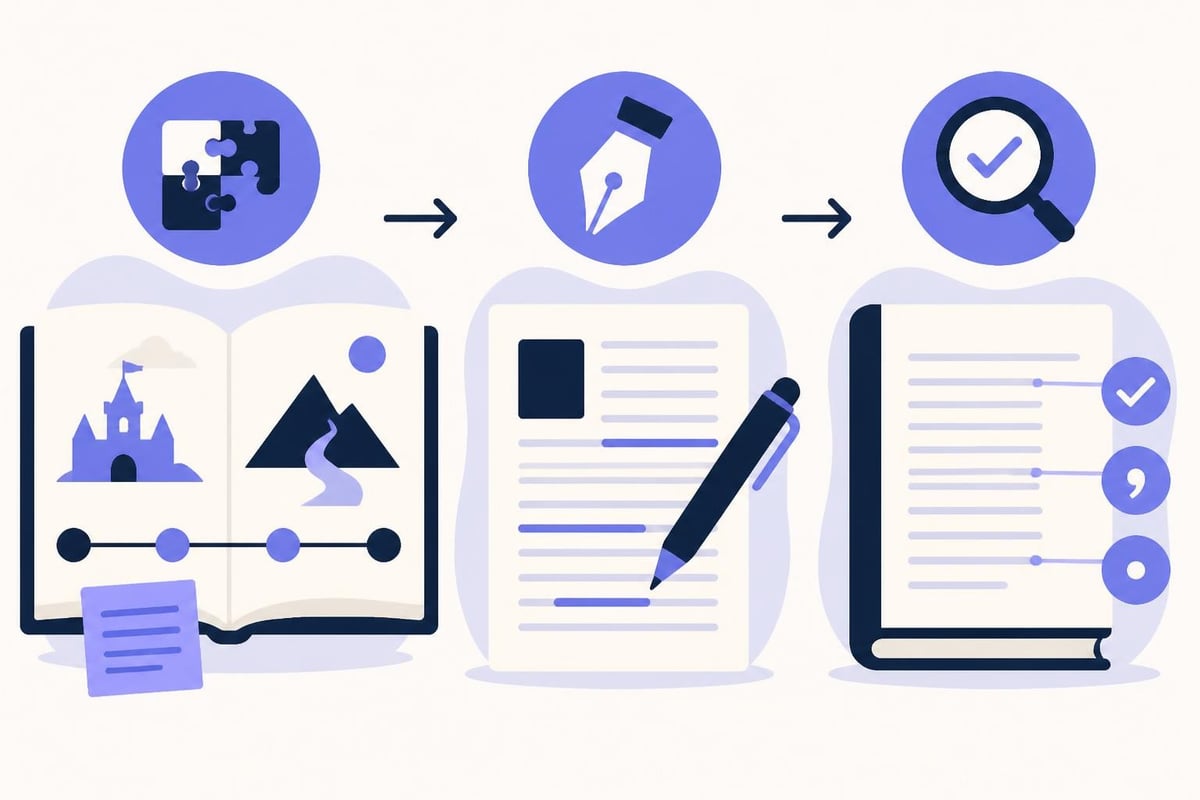
The revision process happens in layers. Start with big-picture issues before fixing individual sentences.
Structural Editing First
Look at your book's overall structure:
- Does each chapter move the story or argument forward?
- Are there scenes or sections you can cut?
- Do your characters develop believably (for fiction)?
- Does your information flow logically (for nonfiction)?
This stage might mean rewriting entire chapters. That feels discouraging, but it's how good books get made.
Line Editing and Proofreading
Once the structure works, focus on the writing itself. Cut unnecessary words. Replace weak verbs with stronger ones. Read dialogue out loud to catch awkward phrasing.
Then comes proofreading for typos, grammar mistakes, and consistency errors. Did your character's eye color change halfway through? Did you spell a term three different ways?
Many authors hire professional editors at this stage. Editors catch problems you've become blind to after reading your manuscript dozens of times. Even experienced authors benefit from fresh eyes. If you're working with AI editing tools, make sure they preserve your unique voice rather than making everything sound generic.
Formatting Your Book for Publication
Creating my own book means preparing files that look professional in both print and digital formats. This step intimidates many authors, but it's manageable once you understand the basics.
Print Book Formatting Requirements
Print books need specific formatting to look right when printed and bound. Your margins, headers, page numbers, and chapter starts all follow industry standards.
Key elements include:
- Trim size (most common are 5×8, 5.5×8.5, and 6×9 inches)
- Interior margins (wider on the binding side for thicker books)
- Chapter headings (consistent style and placement)
- Page numbers (usually bottom center or outside corners)
- Front matter (title page, copyright, dedication, table of contents)
- Back matter (author bio, acknowledgments, other books)
You'll need to create different files for different formats. A paperback uses different specifications than a hardcover. Print book formatting requires attention to technical details that affect the final product quality.
Ebook Formatting Basics
Ebooks are more forgiving than print but still need proper formatting. Readers adjust text size and font on their devices, so your formatting needs to be flexible.
Focus on:
- Clean paragraph breaks
- Working hyperlinks in your table of contents
- Properly embedded images (if any)
- Chapter breaks that work across devices
- Metadata for better discoverability
Export your ebook as an EPUB file for most retailers and a MOBI file for Amazon (though Amazon now accepts EPUB too).
| Format Type | Main Use | Key Considerations |
|---|---|---|
| Print books, some ebooks | Fixed layout, exact page control | |
| EPUB | Most ebook retailers | Reflowable text, device-flexible |
| MOBI/KPF | Amazon Kindle | Amazon-specific features |
Professional formatting makes your book look legitimate. Poor formatting screams amateur and drives readers away, regardless of how good your writing is.
Storyloft Book Writing App handles all these formatting requirements automatically, letting you export print-ready PDFs and ebooks without learning complex design software or hiring a formatter.
Designing Your Book Cover
Your cover sells your book. Readers judge books by covers constantly, no matter how much we wish they wouldn't.
A professional cover signals that your content is also professional. A homemade cover using basic fonts and clip art tells readers you didn't invest in your book, so why should they?
DIY vs Professional Design
You have two main options: design it yourself or hire a designer.
DIY works if you have design skills and understand your genre's visual conventions. Romance covers look completely different from thriller covers. Business books have different expectations than memoirs.
Hiring a designer costs between $200 and $2,000 depending on experience and complexity. This investment pays off in better sales and reader perception.
If you do design yourself, study bestselling books in your genre. Notice the fonts, colors, imagery, and layout patterns. Your cover needs to fit genre expectations while standing out enough to catch attention.
Publishing Your Book
Creating my own book reaches its final stage when you actually put it out into the world. You've got several publishing paths to choose from.
Self-Publishing Platforms
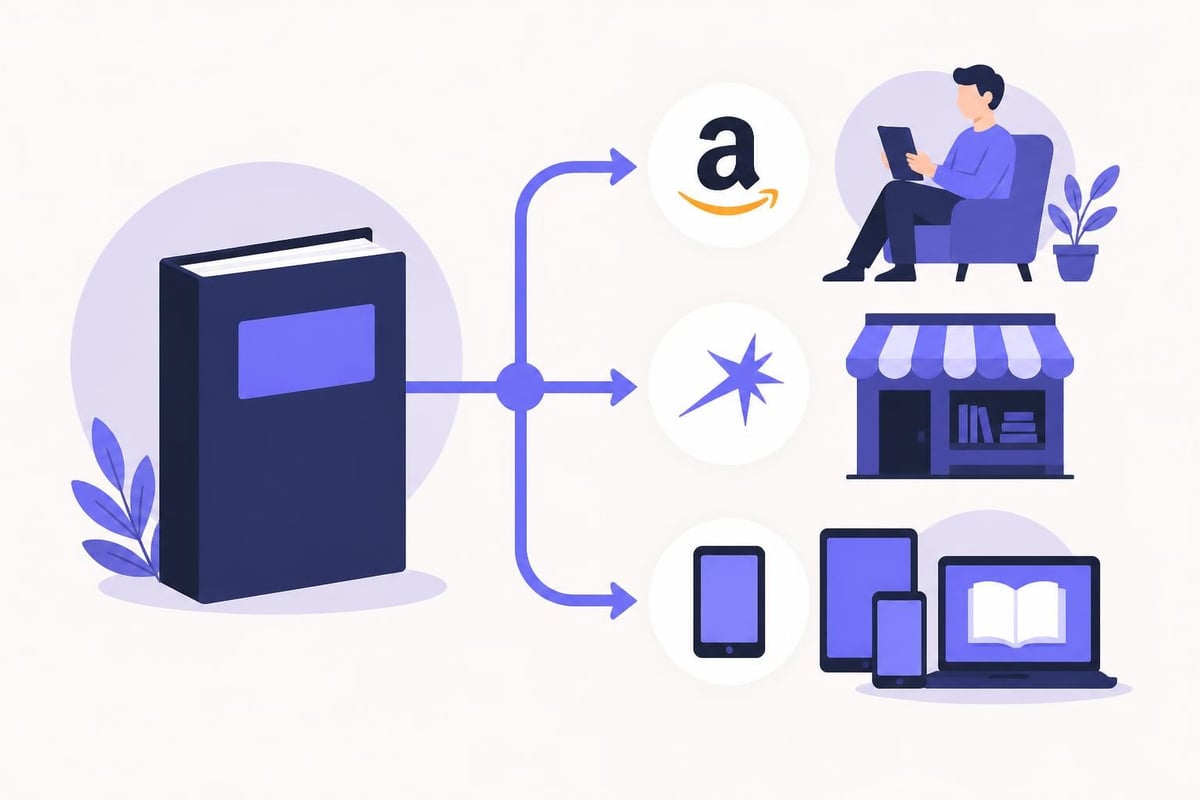
The most popular platforms for independent authors are:
- Amazon KDP (Kindle Direct Publishing) for ebooks and paperbacks
- IngramSpark for wider distribution to bookstores and libraries
- Draft2Digital for easy distribution to multiple ebook retailers
- Apple Books for the Apple ecosystem
- Barnes & Noble Press for Nook and B&N stores
Each platform has different royalty rates, distribution reach, and requirements. Most authors start with Amazon KDP because it's the largest market. You can always expand to other platforms later. Understanding the differences between KDP and IngramSpark helps you make better distribution decisions.
Setting Your Book Price
Pricing affects both your royalties and reader perception. Too cheap and readers assume low quality. Too expensive and they'll skip your book for a known author.
Research similar books in your genre. Most indie ebooks price between $2.99 and $5.99. This range triggers Amazon's 70% royalty rate (versus 35% for books priced outside this range in certain markets).
Print books cost more due to printing expenses. A 300-page paperback typically prices between $12.99 and $16.99. Check your printing costs on each platform and price high enough to make a reasonable profit per sale.
ISBNs and Copyright
You need an ISBN (International Standard Book Number) for print books distributed beyond Amazon. Ebooks on Amazon don't require ISBNs, but other retailers prefer them.
Buy ISBNs from Bowker in the US (about $125 for one, cheaper in packs). Some platforms offer free ISBNs, but those ISBNs list the platform as the publisher, not you.
Copyright is automatic when you create your work, but registering with the US Copyright Office (about $65) provides legal benefits if you ever need to defend your copyright.
Marketing Your Finished Book
Publishing your book doesn't mean readers automatically discover it. Creating my own book includes promoting it too.
Start building your author platform before launch day. This means:
- An author website or landing page
- Email list for connecting with readers
- Social media presence where your readers hang out
- Advance review copies for honest feedback
Launch Strategy Basics
Your launch week matters more than most authors realize. Amazon's algorithm favors new books that gain quick traction.
Plan your launch activities:
- Pre-orders (2-4 weeks before launch) to build momentum
- Launch day push with email, social media, and any ads
- Review requests from early readers
- Follow-up promotion to maintain visibility
Don't expect overnight success. Most successful indie authors built their readership over multiple books and years of consistent effort.
Long-Term Marketing
Marketing never stops. Successful authors treat each book as part of a larger career, not a one-time event.
Try different tactics:
- Amazon ads targeting specific keywords and competing books
- Facebook/Instagram ads with eye-catching visuals
- Newsletter swaps with other authors in your genre
- BookBub promotions when you can run a sale
- Blog tours and podcast interviews for nonfiction
Track what works. If Facebook ads lose money but Amazon ads profit, shift your budget accordingly. The complete self-publishing process includes ongoing marketing as a critical component.
Managing Multiple Books and Series
After creating my own book once, most authors want to do it again. Building a backlist of multiple books compounds your success.
Each new book introduces new readers to your entire catalog. Someone who loves Book 3 will often buy Books 1 and 2. This multiplier effect makes your second and third books more profitable than your first.
Series vs Standalone Books
Series keep readers engaged longer. If they finish Book 1 and love it, they immediately want Book 2.
Romance authors often write series with interconnected characters. Thriller writers create recurring protagonists. Fantasy authors build epic multi-book arcs.
Standalone books give you more creative freedom. You're not locked into continuing characters or storylines. But you also lose the automatic interest that series generate.
Many authors do both. A few standalones while working on a series lets you experiment without abandoning your core readers.
Production Schedule
Professional indie authors often publish 2-4 books per year. This pace keeps readers engaged and feeds retailer algorithms that favor active authors.
Plan your writing schedule around your life. If you can only finish one book per year, that's fine. Consistency matters more than speed.
Use your experience from each book to improve your process. Your third book should take less time than your first because you've learned what works for you.
Common Mistakes to Avoid
Creating my own book taught me plenty through trial and error. Here are the mistakes that cost the most time and money:
Publishing too early. Rushing your book to market with poor editing or formatting damages your reputation. Readers remember bad experiences more than good ones.
Ignoring your genre. Every genre has conventions readers expect. Breaking those conventions requires skill most debut authors don't have yet.
Skipping professional help. Whether it's editing, formatting, or cover design, some tasks justify professional investment. Your time has value too.
Forgetting about metadata. Your book description, categories, and keywords determine who sees your book. Weak metadata means fewer potential readers find you.
Giving up after one book. Most first books don't become bestsellers. Success in indie publishing usually requires multiple books and consistent effort over years.
Tools and Resources Worth Using
The right tools make creating my own book significantly easier. Here's what actually helps:
Writing software that handles both creativity and organization. Juggling multiple apps creates friction and wastes time. You want tools specifically built for authors rather than generic word processors.
Grammar checkers catch typos and basic errors, but don't replace human editing. ProWritingAid and Grammarly help during revision.
Reference managers for nonfiction writers tracking sources and citations. Zotero and Mendeley both work well and offer free tiers.
Project management tools if you're juggling multiple books or complex research. Trello, Notion, or Airtable keep everything organized.
Beta reader platforms like BetaBooks help you gather feedback from test readers before publication.
The key is finding tools that actually save time rather than adding complexity. Every new app in your workflow creates another potential failure point. When possible, using an all-in-one platform that handles writing, editing, and formatting reduces the juggling.
Understanding the Financial Side
Creating my own book involves real costs, even without a traditional publisher. Budget for these expenses:
Editing: $500-$3,000 depending on your book's length and editing depth needed
Cover design: $200-$2,000 for professional work
Formatting: $150-$500 if hiring someone (or $0 with the right software)
ISBNs: $125 each or $295 for a pack of 10
Marketing: $100-$1,000+ monthly depending on your strategy
You can reduce costs by learning some skills yourself. But time spent learning formatting is time not spent writing your next book. Calculate whether DIY actually saves money when you factor in opportunity cost.
Revenue varies wildly. Some authors make $50 total. Others make $50,000+ per year. The difference usually comes down to:
- Number of books published
- Book quality and professional presentation
- Genre choice and market size
- Marketing effort and consistency
- Pricing strategy
- A bit of luck and timing
Treat self-publishing as a business investment. Track your expenses and revenue. Learn what marketing generates positive ROI and what wastes money.
Building Your Author Career
Creating my own book is really about creating a writing career. One book rarely changes your life, but a catalog of quality books builds sustainable income over time.
Think long-term. Where do you want to be in five years? Ten books published? A loyal reader base? Full-time writing income?
Work backward from those goals:
- How many books per year do you need to write?
- What skills do you need to develop?
- What marketing channels should you build now?
- Which expenses truly justify their cost?
Learn continuously. Join author communities, read publishing blogs, take courses on marketing or craft. The publishing industry changes fast. Modern self-publishing approaches look completely different than they did even five years ago.
Stay connected with other authors. Writing is solitary, but publishing doesn't have to be. Author communities provide support, answer questions, and share what's working in their marketing.
Most importantly, keep writing. Your next book is always your most important marketing tool.
Creating my own book combines creativity with practical business skills, but thousands of authors do it successfully every year. The process becomes easier with each book as you refine your workflow and learn from experience. If you're ready to write, edit, format, and publish your book without juggling a dozen different tools, Storyloft brings everything you need into one platform designed specifically for authors like you.